find_element(By.Name) driver method Selenium Python (original) (raw)
Last Updated : 12 Jul, 2025
Selenium's Python Module is built to perform automated testing with Python. Selenium Python bindings provide a simple API to write functional/acceptance tests using Selenium WebDriver. After you have installed selenium and checked out - Navigating links using get method, you might want to play more with Selenium Python. After one has opened a page using selenium such as geeks for geeks, one might want to click some buttons automatically or fill a form automatically or any such automated task.
This article revolves around how to grab or locate elements in a webpage using locating strategies of Selenium Web Driver. More specifically, find_element_by_name() is discussed in this article
Syntax -
driver.find_element(By.NAME, "name_of_element")
Example -
For instance, consider this page source:
html `
`
Now after you have created a driver, you can grab an element using -
login_form = driver.find_element(By.NAME, 'username')
How to use driver.find_element_by_name() method in Selenium?
Let's try to practically implement this method and get an element instance for "https://www.geeksforgeeks.org/". Let's try to grab search form input using its name "search".
Create a file called run.py to demonstrate the find_element_by_name method -
Python3 `
Python program to demonstrate
selenium
import webdriver
from selenium import webdriver from selenium.webdriver.common.by import By
create webdriver object
driver = webdriver.Firefox()
enter keyword to search
keyword = "geeksforgeeks"
get geeksforgeeks.org
driver.get("https://www.geeksforgeeks.org/")
get element
element = driver.find_element(By.NAME, "search")
print complete element
print(element)
`
Now run using -
Python run.py
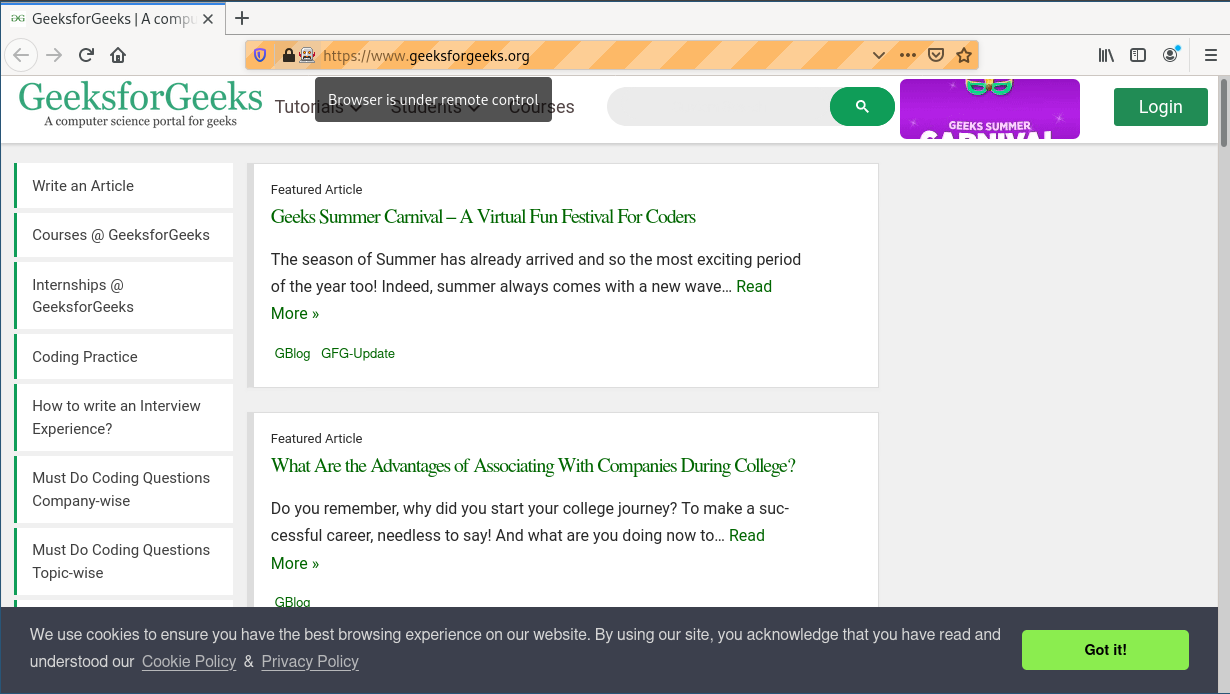
First, it will open the firefox window with geeks for geeks, and then select the element and print it on the terminal as shown below.
Browser Output
Terminal Output -

More locators for locating single elements
.math-table { border-collapse: collapse; width: 100%; } .math-table td { border: 1px solid #5fb962; text-align: left !important; padding: 8px; } .math-table th { border: 1px solid #5fb962; padding: 8px; } .math-table tr>th{ background-color: #c6ebd9; vertical-align: middle; } .math-table tr:nth-child(odd) { background-color: #ffffff; }
| Locators | Description |
|---|---|
| find_element_by_id | The first element with the id attribute value matching the location will be returned. |
| find_element_by_name | The first element with the name attribute value matching the location will be returned. |
| find_element_by_xpath | The first element with the xpath syntax matching the location will be returned. |
| find_element_by_link_text | The first element with the link text value matching the location will be returned. |
| find_element_by_partial_link_text | The first element with the partial link text value matching the location will be returned. |
| find_element_by_tag_name | The first element with the given tag name will be returned. |
| find_element_by_class_name | the first element with the matching class attribute name will be returned. |
| find_element_by_css_selector | The first element with the matching CSS selector will be returned. |