How to handle alert prompts in Selenium Python ? (original) (raw)
Last Updated : 12 Jul, 2025
**Selenium’s Python Module is built to perform automated testing with Python. Alerts are a way to show popups in the browser for either accepting data or displaying data. Selenium provides methods to handle alerts of all kinds.
Selenium’s Python Module is built to perform automated testing with Python. Alerts are a way to show popups in the browser for either accepting data or displaying data. Selenium provides methods to handle alerts of all kinds. class selenium.webdriver.common.alert.Alert(driver) handles all alerts in Selenium Python. It contains methods for dismissing, accepting, inputting, and getting text from alert prompts. The two major tasks in alerts are accepting an alert or dismissing a alert.
**Selenium provides two methods for the same:
Alert(driver).accept()
Alert(driver).dismiss()
Alert Methods
The major methods during **handling of alerts in Selenium include –
- **accept() – Accepts the alert available.
- **dismiss() – Dismisses the alert available.
- **send_keys(keysToSend) – Send Keys to the Alert.
- **text – Gets the text of the Alert.
How to operate on an alert prompt using Selenium Python ?
To illustrate alerts, let’s write manual javascript alert and check various methods on the same. We have created an example link – **https://www.geeksforgeeks.org/
Python `
from selenium import webdriver from selenium.webdriver.common.alert import Alert import time
Create WebDriver object
driver = webdriver.Firefox(executable_path="path_to_geckodriver")
Make sure to specify the correct path to geckodriver
Navigate to the webpage (Ensure the URL is correct without spaces)
driver.get("https://www.geeksforgeeks.org/")
Wait for the alert to appear (you might need to adjust the time based on your page load time)
time.sleep(3)
Switch to the alert
alert = Alert(driver)
Get the alert text
print(alert.text)
Accept the alert
alert.accept()
Close the browser
driver.quit()
`
**Output -
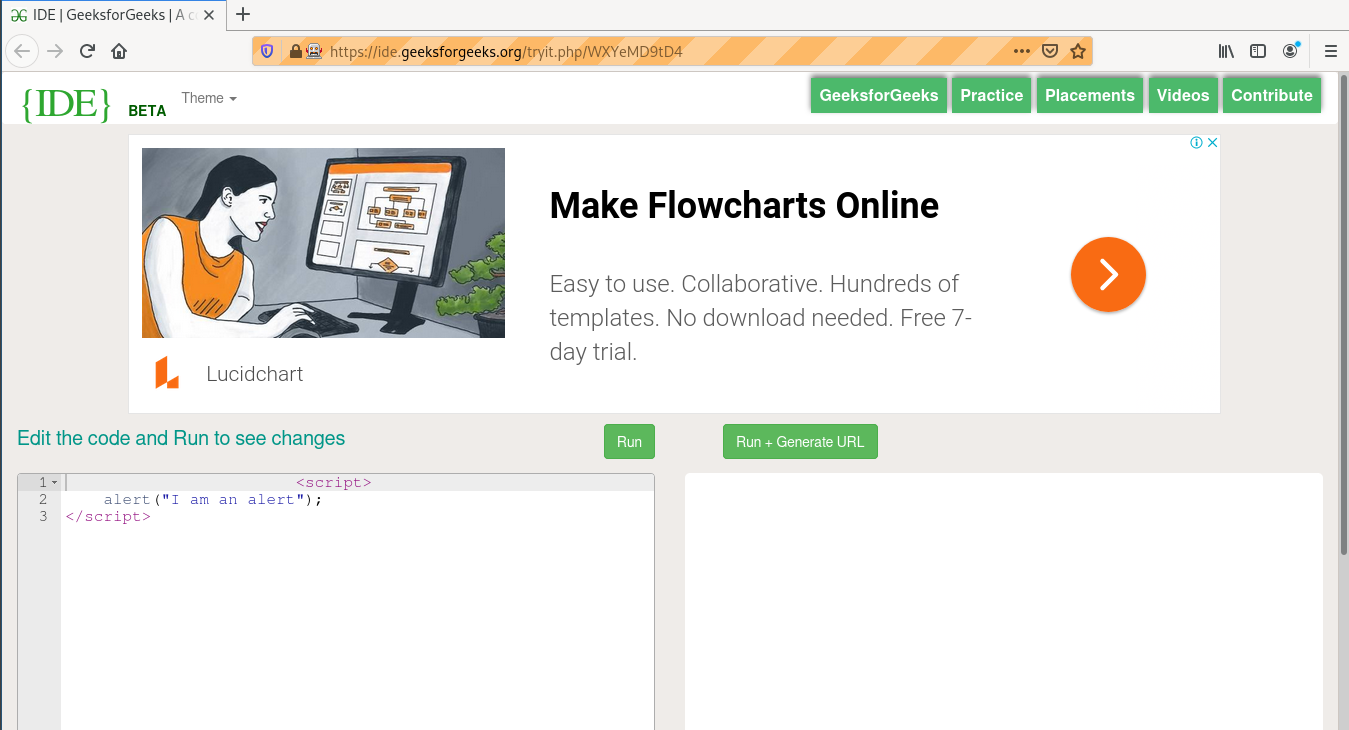
**Terminal Output -
