How to Run a Flask Application (original) (raw)
Last Updated : 7 Feb, 2026
After successfully creating a Flask app, we can run it on the development server using the Flask CLI or by running the Python script.
Execute one of the following commands in the terminal:
- flask --app app_name run
- python app_name
Demonstration with an Example
In this example, we have a basic application called **helloworld.py. Below is the code for it, and we will run this app with the debugger mode off.
Python `
import flast module
from flask import Flask
instance of flask application
app = Flask(name)
home route that returns below text when root url is accessed
@app.route("/") def hello_world(): return "
Hello, World!
"if name == 'main':
app.run()
`
Now let's run the app using both the commands seperately.
**Using flask --app <app_name> run

flask --app helloworld.py run
**Using the python app_name.py

python helloworld.py
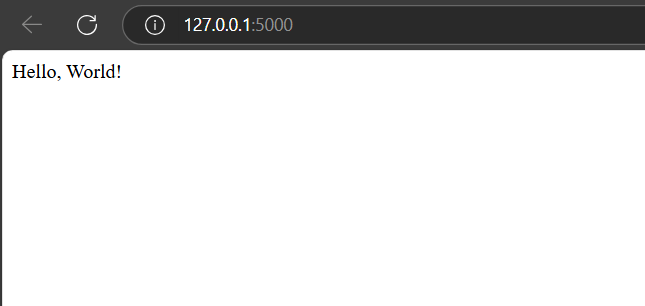
Below is a snippet of the live app running on the development server. You can open it by **Ctrl + Click on the link: "**http://127.0.0.1:5000" or by typing the URL directly into your browser.
Run the app in the debugger
With debug mode on, Flask automatically detects errors and shows a detailed traceback, helping developers quickly find and fix issues. We will use the below command to run the flask application with debug mode as on.
if __name__ == '__main__':
app.run(debug = True)

Running app with debug=True