response.content Python requests (original) (raw)
Last Updated : 12 Jul, 2025
When you make an HTTP request in Python using the requests library, it returns a response object. One of the most important attributes of this object is **response.content, which gives you the raw response body in bytes. This is especially useful when dealing with binary data like **images, **PDFs, **audio files, or any **non-textual content.
Let's look at an example that demonstrates how to use request.content in step by step:
Installation
To use request module, we need to first install it using this command:
pip install requests
Basic Example: Reading Raw Response from an API
Example 1:
Let’s make a simple GET request to **GitHub’s API and view the raw response content in bytes.
Python `
import requests
res = requests.get('https://api.github.com/') print(res.content)
`
**Output:
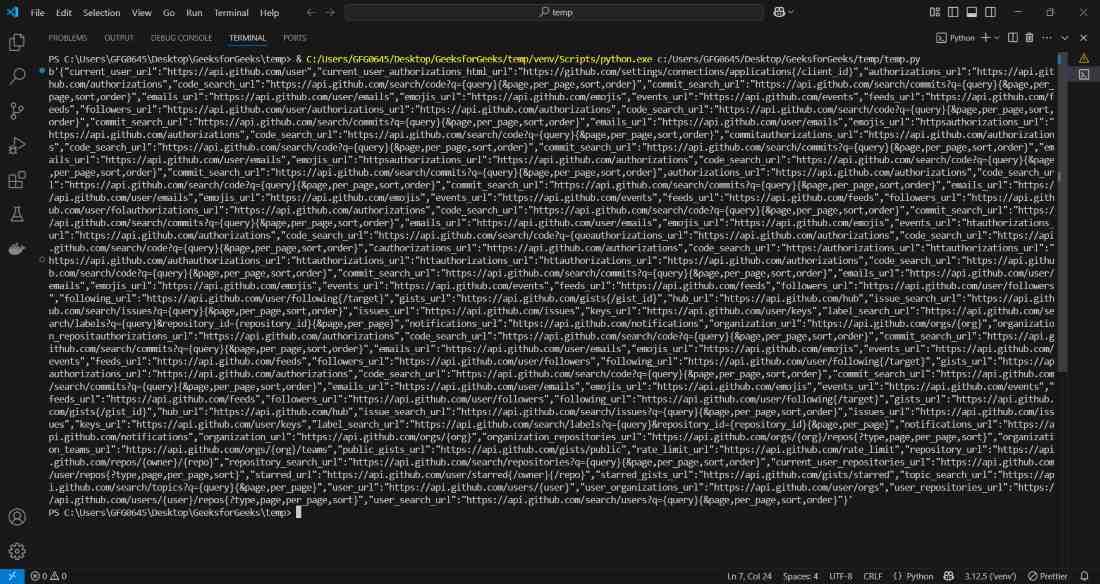
Terminal Output
**Explanation:
- **requests.get() sends a **GET request to the given **URL.
- **res.content gives you the entire response body in raw bytes.
- Check that '**b' at the start of output, it means the reference to a **bytes object.
Example 2: Download an Image using response.content
Download and save an image from a URL using response.content:
Python `
import requests
img_url = 'https://picsum.photos/id/237/200/300' res = requests.get(img_url)
with open('sample_image.png', 'wb') as f: f.write(res.content)
`
**Output:
This code downloads the image from the given URL and saves it as 'sample_image.png' in the current working directory..

This is the sample image