Web scraping from Wikipedia using Python (original) (raw)
Web scraping is the process of automatically extracting data from websites. It enables programmers to collect structured information from web pages without manual effort. In this article, we will demonstrate how to scrape data from the Wikipedia homepage using Python and discuss commonly used techniques, libraries for efficient web scraping.
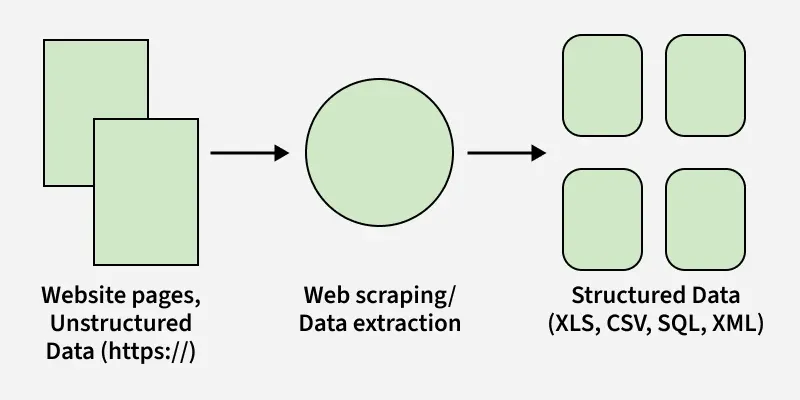
Process of Web Scraping
Python Libraries Required
The following Python libraries are commonly used to fetch, parse, and automate web pages during the web scraping process:
- Requests: It is the foundation of web scraping in Python. It allows to send HTTP requests like GET and POST to download web pages quickly and reliably.
- lxml:A high-performance library for parsing HTML and XML, lxml is extremely fast and ideal for large-scale scraping tasks.
- BeautifulSoup: A beginner-friendly HTML parser that creates a parse tree for easy data extraction. It works seamlessly with content fetched using Requests.
- Selenium: Automates a real browser, enabling scraping of dynamic, JavaScript-loaded websites. It is slower than other tools and less suitable for large-scale scraping.
- Scrapy: A full-featured, asynchronous web scraping framework built for speed and scalability. It is ideal for large crawling projects, providing pipelines and advanced data handling capabilities.
Python Web Scraping on Wikipedia
The following diagram shows the basic workflow followed when scraping data from Wikipedia using Python:
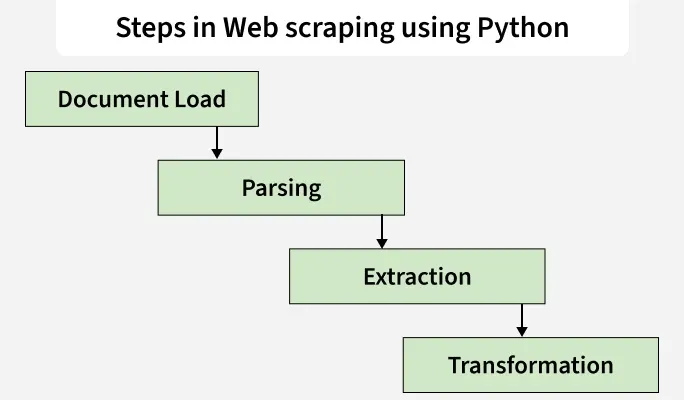
Steps in Web Scraping
It explains how a web page is loaded, parsed, and processed to extract useful information before converting it into a structured form.
Step 1: Setting Up Python for Web Scraping
Before scraping a website, we must set up our Python environment.
**Requirements:
- A Python IDE (PyCharm, VS Code, Jupyter, etc.)
- Basic understanding of Python programming
- virtualenv used to create isolated Python environments
- Web scraping libraries: requests, urllib3, selenium
Using virtualenv, we can install packages inside an isolated environment without affecting global system installations.
Install Required Libraries
pip install virtualenv
python -m pip install selenium
python -m pip install requests
python -m pip install urllib3
Step 2: Fetching Web Pages Using Requests
**Requirements:
- Python IDE
- Python Modules
- Requests library
This code sends a request to Wikipedia and downloads the HTML of the page.
Python `
import requests
url = "https://en.wikipedia.org/wiki/Main_Page" headers = { "User-Agent": "Mozilla/5.0" } page = requests.get(url, headers=headers) print(page.status_code) print(page.content)
`
**Output
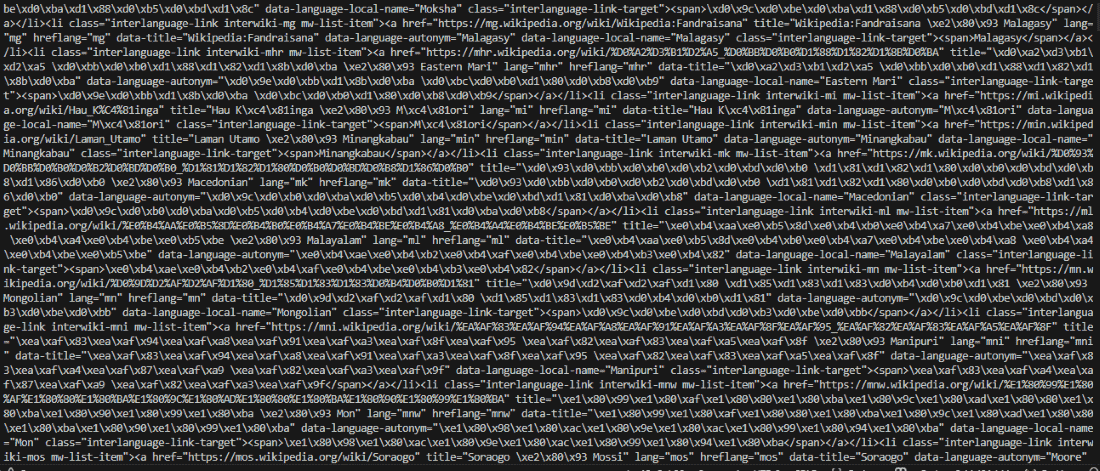
**Explanation:
- **requests.get(): sends an HTTP GET request to the website.
- **page.status_code: returns 200 if the page loaded successfully.
- **page.content: returns the full HTML of the page.
Step 3: Parsing HTML Using BeautifulSoup
You can install the BeautifulSoup using the below command:
pip install bs4
This code converts the downloaded HTML into a structured format that Python can read.
Python `
from bs4 import BeautifulSoup import requests
url = "https://en.wikipedia.org/wiki/Main_Page" headers = { "User-Agent": "Mozilla/5.0" } page = requests.get(url, headers=headers) soup = BeautifulSoup(page.content, 'html.parser') print(soup.prettify())
`
**Output
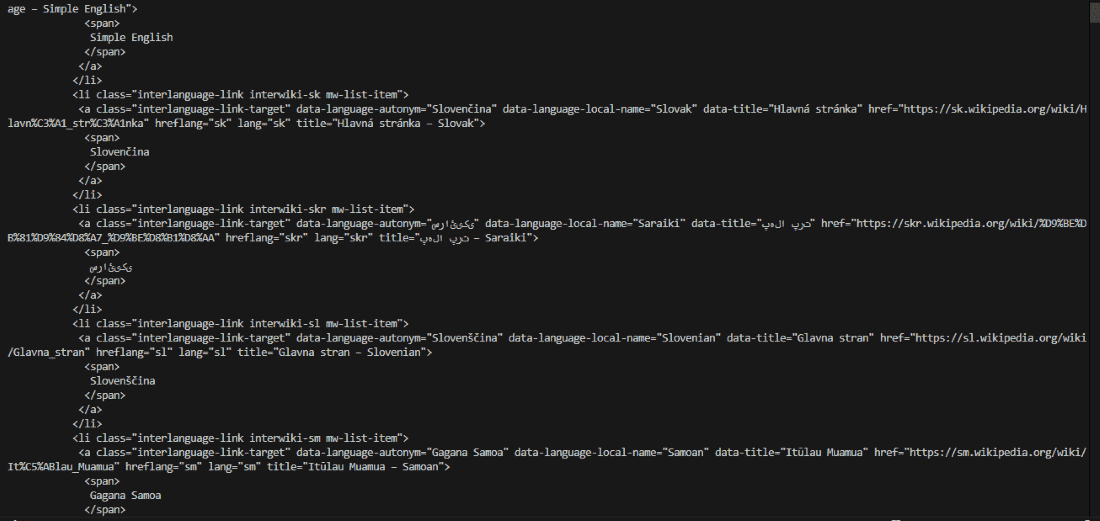
**Explanation:
- BeautifulSoup cannot fetch pages by itself, it only parses HTML content.
- **soup.prettify(): prints the HTML in a readable, structured format.
Step 4: Extracting Data with BeautifulSoup
This shows how to use BeautifulSoup to parse a webpage and extract all
tags, then retrieve the text content of the first paragraph.
Python `
from bs4 import BeautifulSoup import requests
url = "https://en.wikipedia.org/wiki/Main_Page"
headers = { "User-Agent": "Mozilla/5.0" } page = requests.get(url, headers=headers) soup = BeautifulSoup(page.content, 'html.parser') print(soup.find_all('p')) print("\n\n") print(soup.find_all('p')[0].get_text())
`
**Output
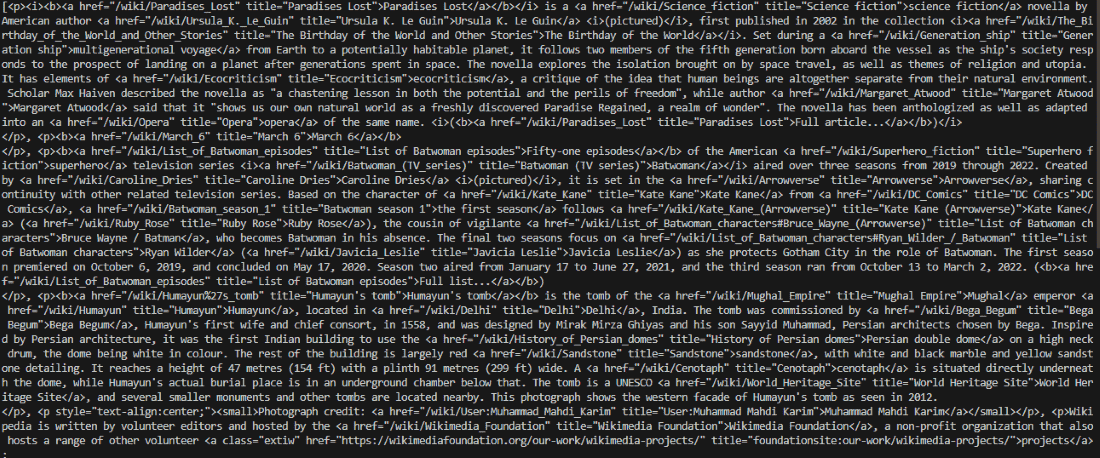
**Explanation:
- **find_all('p'): returns a list of all
tags.
- **get_text(): extracts only text, removing HTML tags.
- Use find() if you only need the first matching tag.
Step 5: Exploring Page Structure Using Chrome DevTools
Before scraping, analyzing the structure of the webpage is essential.
How to Inspect Elements:
- Open Chrome
- Press Ctrl+Shift+I (or right-click -> Inspect)
- Use the Elements tab to see the HTML layout
- Identify IDs, classes, and HTML tags that contain the required data.
This helps us locate the exact tag or class to extract.
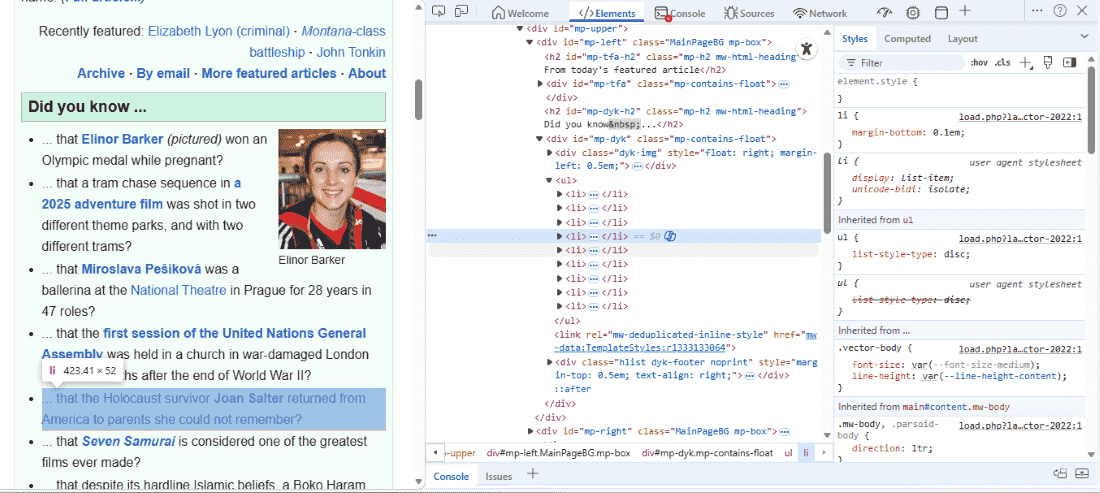
This code extracts a specific section of the Wikipedia page using its id and class.
Python `
from bs4 import BeautifulSoup import requests
url = "https://en.wikipedia.org/wiki/Main_Page" headers = { "User-Agent": "Mozilla/5.0" } page = requests.get(url, headers=headers) soup = BeautifulSoup(page.content, 'html.parser') container = soup.find(id="mp-left") items = container.find_all(class_="mp-h2") result = items[0] print(result.prettify())
`