Express JS req.hostname Property (original) (raw)
Last Updated : 15 Jul, 2025
In the world of web development the use of Node.Js, Express.Js stands out as a strong and popular framework for building internet packages and APIs. Within Express.Js, the req.hostname property serves as a beneficial tool for retrieving the hostname distinctive in the HTTP request made to the server. These belongings give insights into the domain name used to access the server, providing builders with essential information about incoming requests
Prerequisites
The **req.hostname property contains the hostname which is derived from the Host HTTP header. It basically returns the hostname which is being supplied in the host HTTP header.
**Syntax:
req.hostname
**Parameter: No parameter
**Return Value: String
**Setup project and installing modules
**Step 1: You can install this package by using this command.
npm init - y
npm install express
**Project Structure:
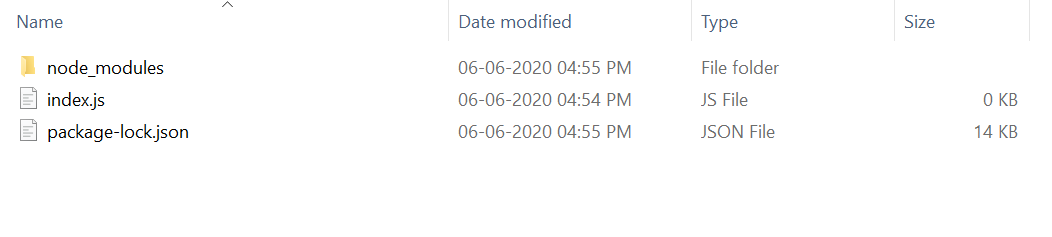
The updated dependencies in package.json file will look like:
"dependencies": {
"express": "^4.18.2"
}
**Example 1: Write the following code in index.js file.
javascript `
//index.js
const express = require("express"); const app = express(); const PORT = 3000;
app.get("/", function (req, res) { console.log(req.hostname); res.send(); });
app.listen(PORT, function (err) { if (err) console.log(err); console.log("Server listening on PORT", PORT); });
`
**Steps to run the program:
node index.js
**Output:
Suppose we have a domain name instead of _localhost as shown below:
Host: "demo.com:3000"
console.log(req.hostname);
**Console output:
demo.com
**Reference: https://expressjs.com/en/4x/api.html#req.hostname