WordPress Reading Setting (original) (raw)
Last Updated : 23 Jul, 2025
In WordPress, the Reading Settings play a key role in shaping the user experience on your website. By configuring these settings effectively, you can customize how content is presented to visitors and optimize your site’s performance. This article will walk you through the Reading Settings in WordPress, helping you set the number of posts displayed on the main page, control content visibility, and improve overall site functionality.
Access Reading Settings in WordPress
Follow the given steps to access WordPress Reading Settings quickly -
**Step 1: Log in to Your WordPress Dashboard:
- Navigate to your website's login page (e.g.,
yourwebsite.com/wp-admin). - Enter your username and password to access the dashboard.
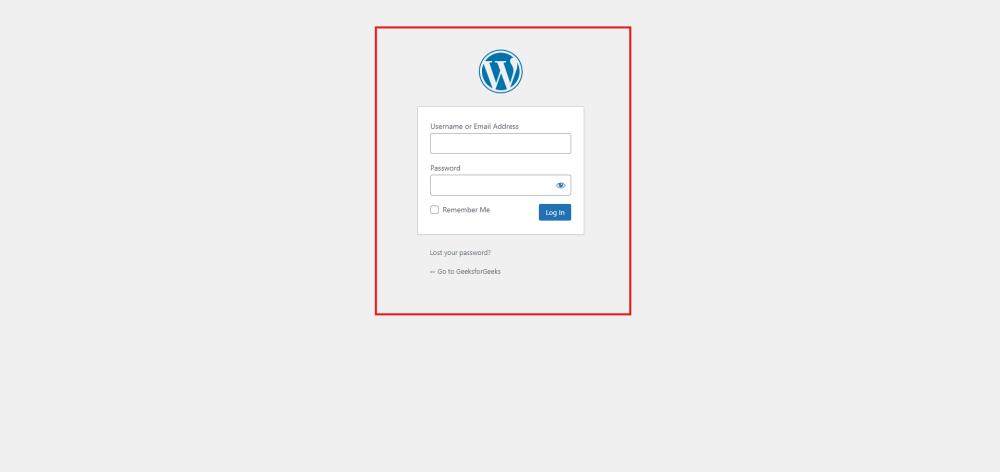
Wordpress Login
After successful login, your screen looks like this.

Dashboard
**Step 2: **Go to the Plugins Section:
- From the dashboard, click on "Plugins" in the left-hand menu.
- Here, you'll see a list of all installed plugins.
**Sections in WordPress Reading Settings
The Reading Settings page is divided into several sections, each allowing you to control different aspects of how content is displayed on your site.
**1. Frontpage Display Options
This section allows you to decide what content appears on your homepage.
- **Your Latest Posts: Select this option if you want your homepage to display your most recent blog posts. This setting is ideal for blogs, news sites, or any website where fresh content is a priority.
- **A Static Page: Choose this option if you prefer to showcase specific content on your homepage, such as a custom welcome page, about page, or landing page. This is useful for business websites, portfolios, or any site where a static front page is more appropriate.
- **Front Page and Posts Page: When using a static front page, you can select separate pages for your homepage (Front Page) and your blog posts (Posts Page). For example, set a “Home” page as the Front Page and a “Blog” page for the Posts Page to keep your blog posts organized on a dedicated page.
**2. Blog Pages Display
This setting determines how many posts are displayed on blog pages.
- **Blog Pages Show at Most: By default, WordPress shows 10 posts per page. You can adjust this number to suit your needs, such as increasing or decreasing the number of posts shown on each blog page.
- **For Each Post in a Feed, Include: Choose whether to display the **Full Text or a **Summary of each post in your site’s RSS feeds. Displaying summaries can improve load times and encourage readers to click through to your site.
**3. Search Engine Visibility
- **Discourage Search Engines from Indexing This Site: Check this box if you want to prevent search engines from indexing your site. This setting is useful during the development phase or when you want to keep your site private. However, remember to uncheck it when you’re ready for your site to be discovered by search engines.
**Additional Tips for Optimizing Reading Settings
**1. Match Settings to Your Content Strategy
If your site is content-heavy and regularly updated, consider showing more posts on your main page to keep visitors engaged. Conversely, a static page might be better for business or portfolio sites where key information needs to be front and center.
**2. Improve Performance with Summaries
Opting to show summaries instead of full posts in your feeds can reduce page load times and make your site more efficient, especially if your posts contain a lot of images or multimedia.
**3. Monitor Search Engine Visibility
Always double-check the search engine visibility setting before launching your site. Keeping your site hidden from search engines when it’s live can negatively impact your SEO and traffic.
Conclusion
WordPress Reading Settings allow you to create a seamless reading experience for your audience. Whether you emphasize your latest blog posts or curate a custom welcome page, thoughtful adjustments enhance both aesthetics and functionality.