The best gaming VPNs: top choices that keep you secure with no unwanted latency or jitter across games such as Call of… (original) (raw)
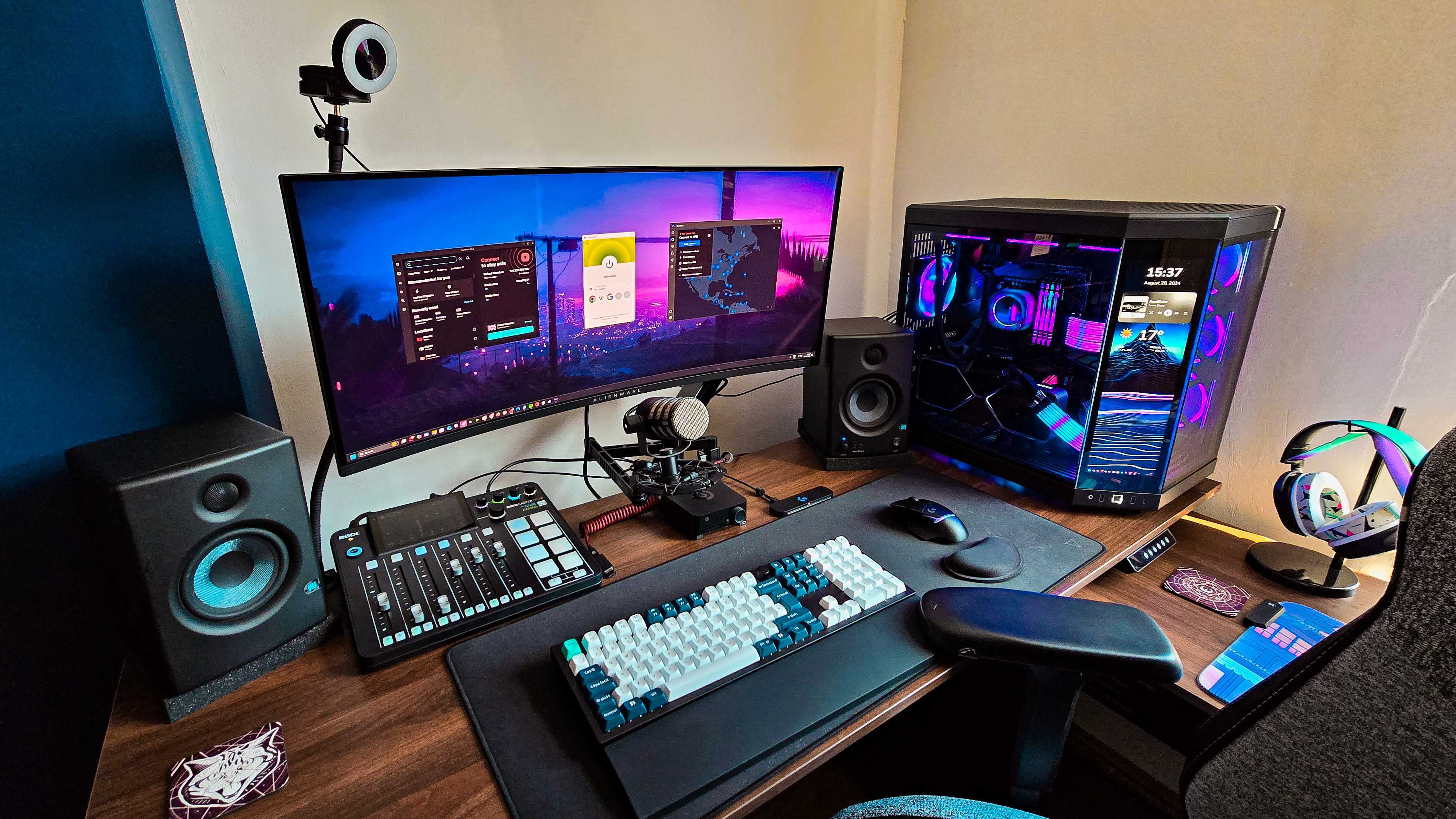
Please don't judge my cable management, this is my actual home setup. (Image credit: Andreas Theodorou)
It's a common misconception that VPNs are only designed for privacy, streaming, or torrenting. However, the best VPNs serve an important purpose beyond just browsing. They can help reduce lag, improve connection speeds, and protect users from DDoS attacks and throttling, which are crucial factors for serious gamers.
With over 15 years of experience writing and reviewing VPNs, we know what gamers need – low latency, solid security, and consistent speeds. Both NordVPN and ExpressVPN deliver on these fronts, but subtle differences in performance and features set NordVPN slightly ahead. Still, ExpressVPN offers an excellent balance of speed and security that appeals to many gamers.
The TechRadar team runs regular tests to ensure these recommendations hold up in real-world gaming scenarios. In this review, we’ll break down the best gaming VPNs on the market so you can choose the right one to boost your gameplay and keep your connection secure.
5 best gaming VPNs: quick overview
We're constantly testing VPNs with games. In our latest round of testing, we found that ExpressVPN doesn't work with Runescape (see more below). Plus we've had several of the best providers add support for Windows ARM devices so you're not left out if you're looking to upgrade your setup.
The best gaming VPNs in 2026
Why you can trust TechRadar We spend hours testing every product or service we review, so you can be sure you're buying the best. Find out more about how we test.
The best VPN overall
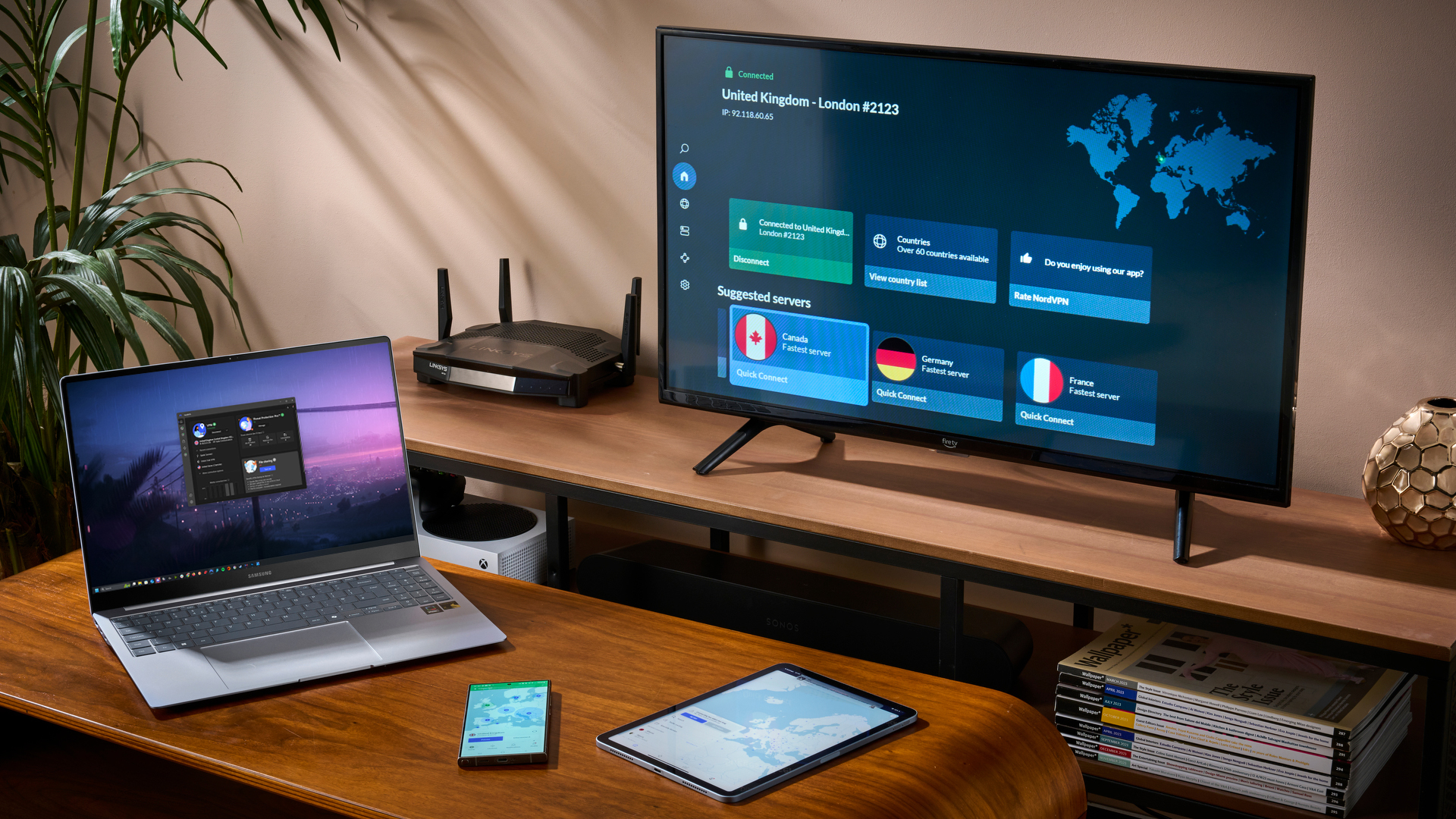
1. NordVPN
Elevate your gaming experience with an all-in-one security suite
Extensive server network optimized for gaming and streaming
Strong focus on security with advanced encryption and features
Excellent performance and reliable connection speeds
A complex interface
Not so great for torrenting,
NordVPN remains one of the strongest gaming VPNs, thanks to its combination of fast, stable connections, a large global server network, and security features that don't get in the way of performance.
While it's no longer the outright fastest VPN we've tested, it still delivers the kind of consistency and low-latency performance that matters most for online play.
Read more about NordVPN ▼
Speed and performance
For gaming enthusiasts, NordVPN's NordLynx protocol continues to be the best choice. In our latest tests, NordVPN delivered average speeds of around 901 Mbps on nearby servers, with US connections averaging roughly 514 Mbps.
These results are slightly lower than NordVPN's strongest peaks in earlier rounds (950 Mbps), but performance remained consistent across repeated runs, which is far more important for online gaming than occasional headline speeds.
By comparison, Surfshark reached around 848 Mbps locally and 505 Mbps on US connections, while ExpressVPN posted higher peaks with Lightway Turbo, but NordVPN remained one of the most stable performers overall.
Latency and jitter were well controlled throughout our gaming tests. During PUBG sessions on desktop, connections felt responsive, with no noticeable packet loss, rubber-banding, or sudden latency spikes that could disrupt gunfights or fast movement.
If you're a console loyalist, NordVPN can be configured directly on a router, letting you connect your PS5 via Ethernet for even better performance.
Another advantage for gamers is NordVPN's expansive server network. It now spans 156 locations across 118 countries, giving it broader country coverage than ExpressVPN (107 countries) and a wider footprint than Surfshark (100 countries).
This gives you more nearby servers to choose from for lower ping in games like PUBG, and the possibility to switch regions for matchmaking or regional servers without a noticeable drop in performance.
Privacy and security
NordVPN goes the extra mile to protect your data. Its NordLynx protocol, built on the ultra-fast and secure WireGuard framework, includes additional NAT routing, which ensures your VPN activity can’t be traced back to your account. On top of that, it uses military-grade AES-256 encryption to secure all your traffic.
Gamers will appreciate the built-in kill switch, which instantly halts your internet connection if the VPN drops, preventing data leaks or exposing your IP mid-session. It’s especially useful when gaming in regions where IP-based throttling or geo-blocks can kick in.
One of NordVPN’s strongest credentials is its audited no-logs policy. It doesn’t store any identifiable user data, and this claim has been independently verified five times over the years, most recently by Deloitte. This level of transparency and accountability gives users confidence that their online activities stay private, no matter what.
Swipe to scroll horizontally
NordVPN test results:
| Attributes | Notes | Rating |
|---|---|---|
| Design | A fun design that can be a little busy for some people | ⭐⭐⭐⭐ |
| Ease of use | Everything is easy to find, but the map interface can be off-putting, and there isn't much attention to detail | ⭐⭐⭐ |
| Performance | One of our fastest VPNs | ⭐⭐⭐⭐⭐ |
| Unblocking | Perfect for Netflix and other streaming sites | ⭐⭐⭐⭐⭐ |
| Security and privacy | Every bit as strong as ExpressVPN | ⭐⭐⭐⭐⭐ |
| Customer support | Friendly, supportive and professional | ⭐⭐⭐⭐⭐ |
| Price | Fantastic value for money | ⭐⭐⭐⭐ |
🔒ExpressVPN, while pricier, excels in performance, security, and accessibility, making it a top choice for enhancing your gaming experience.
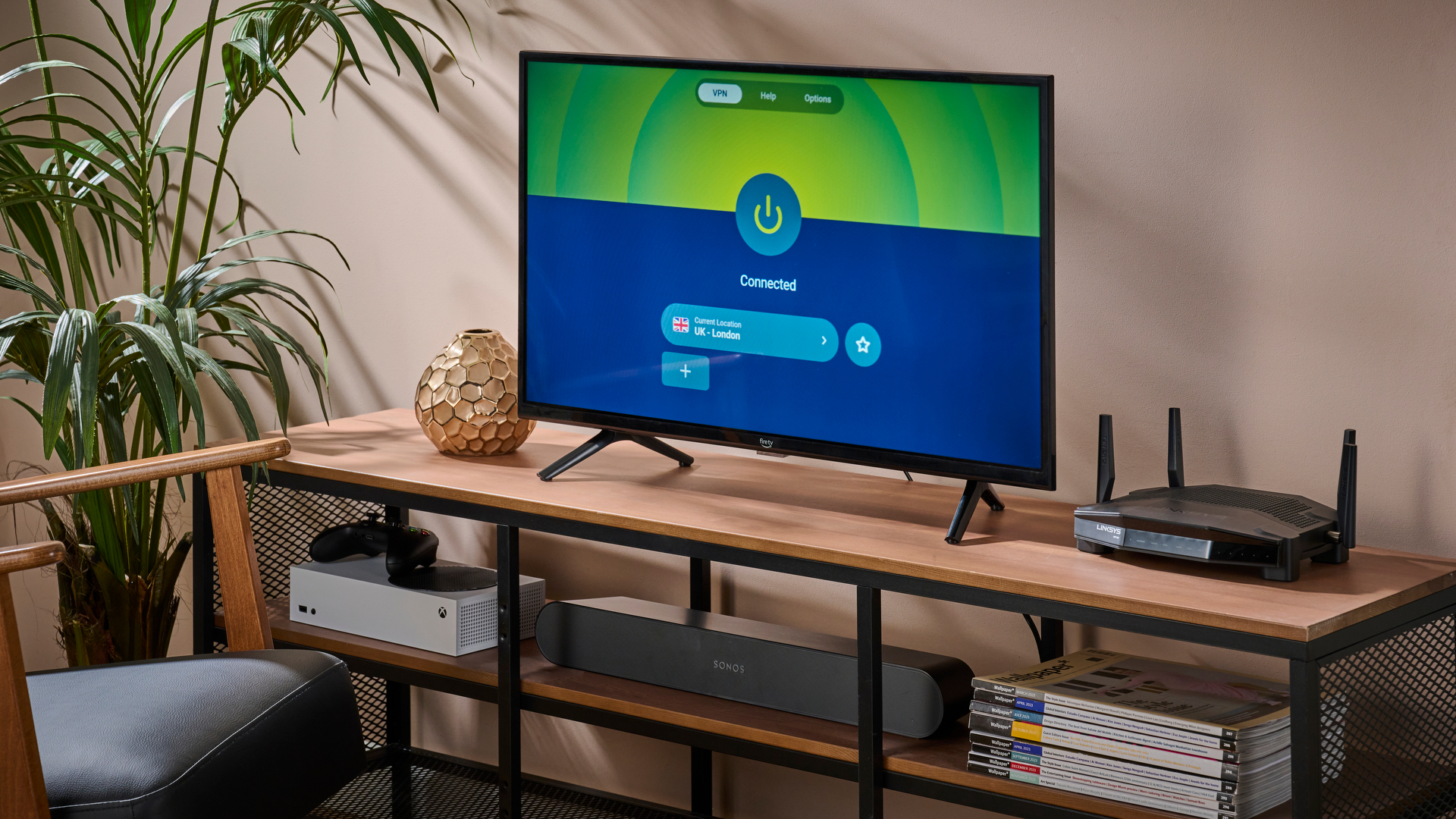
 (Image credit: Future)
2. ExpressVPN
Instant protection from easy-to-use apps
Blazing-fast speeds for seamless gaming experiences
Wide range of server locations for global gaming access
Robust security measures to protect against DDoS attacks
Expensive compared to the competition
Limited simultaneous connections per subscription
No dedicated IP option
ExpressVPN is the fastest VPN we've tested, making it a strong choice for both gaming and streaming. Its wide server network helps keep latency low across regions, while advanced security features protect your connection in the background.
In addition, its advanced privacy protections and a straightforward setup process make ExpressVPN the most secure VPN around for users who want round-the-clock protection and a speedy service.
Read more about ExpressVPN's ▼
Speed and performance
ExpressVPN delivers top-tier gaming performance via its Lightway protocol. In our latest tests, Lightway Turbo reached 1,617 Mbps on nearby servers and 1,230 Mbps on US connections, making ExpressVPN the fastest VPN we've tested overall.
Latency tests during our experience with competitive FPS games like Call of Duty, Valorant, and Apex Legends showed that ExpressVPN added roughly 20–30 ms more ping. While this might seem minor at a glance, it can become significant at the highest levels of competitive play.
If you're gaming on more restrictive networks, such as school or university Wi-Fi, workplace networks, hotel connections, or public hotspots, WireGuard-based protocols can sometimes be blocked or throttled. In those situations, being able to switch protocols makes a real difference.
In our tests, ExpressVPN delivered 898 Mbps on nearby servers and 831 Mbps on US connections over OpenVPN, which is unusually fast for this protocol. That puts it well ahead of PIA (347 Mbps locally) and CyberGhost (460 Mbps locally).
OpenVPN still isn't the first choice for competitive gaming, but ExpressVPN's strong performance means you're far less likely to experience severe slowdowns or unstable connections when you need to fall back to it.
Another advantage is ExpressVPN's vast server spread: it operates across 156 locations in 107 countries, matching NordVPN on location count and exceeding Surfshark's 140 locations, offering you more options to reduce lag and unlock geo-restricted games worldwide.
Privacy and security
ExpressVPN packs a punch when it comes to security. Its ExpressVPN Keys password manager, available on the Advanced plan, is a useful extra for gamers who juggle multiple accounts, and makes the upgrade worthwhile alongside the added security tools you get at that tier.
ExpressVPN uses AES-256 encryption with regularly rotating keys, included with early post-quantum protections designed to reduce the risk of future “harvest now, decrypt later” attacks.
Features like Shuffle IP, which periodically changes your IP address during a session, are particularly useful for long gaming sessions, helping prevent tracking or IP-based throttling without interrupting play. A reliable kill switch also ensures your real IP isn't exposed if the connection drops mid-match.
ExpressVPN benefits from being based in the British Virgin Islands, a privacy-friendly jurisdiction that makes legal data demands difficult to enforce. Its confidence in security is backed by a generous $1 million bug bounty program for anyone who can breach its servers.
Swipe to scroll horizontally
ExpressVPN test results:
| Attributes | Notes | Rating |
|---|---|---|
| Design | A clean and simple design that gives you everything you need, exactly when you need it | ⭐⭐⭐⭐⭐ |
| Ease of use | Intuitive apps with auto-connect functionality make life easier | ⭐⭐⭐⭐⭐ |
| Performance | Fast enough for anything you could throw at it, but slower than NordVPN and Surfshark | ⭐⭐⭐⭐ |
| Unblocking | Effortlessly gives you access to content around the world | ⭐⭐⭐⭐⭐ |
| Security and privacy | Express offers military-grade protection for total peace of mind | ⭐⭐⭐⭐⭐ |
| Customer support | Always available, friendly, and helpful | ⭐⭐⭐⭐⭐ |
| Price | New pricing is a welcome improvement | ⭐⭐⭐⭐ |
The best cheap gaming VPN
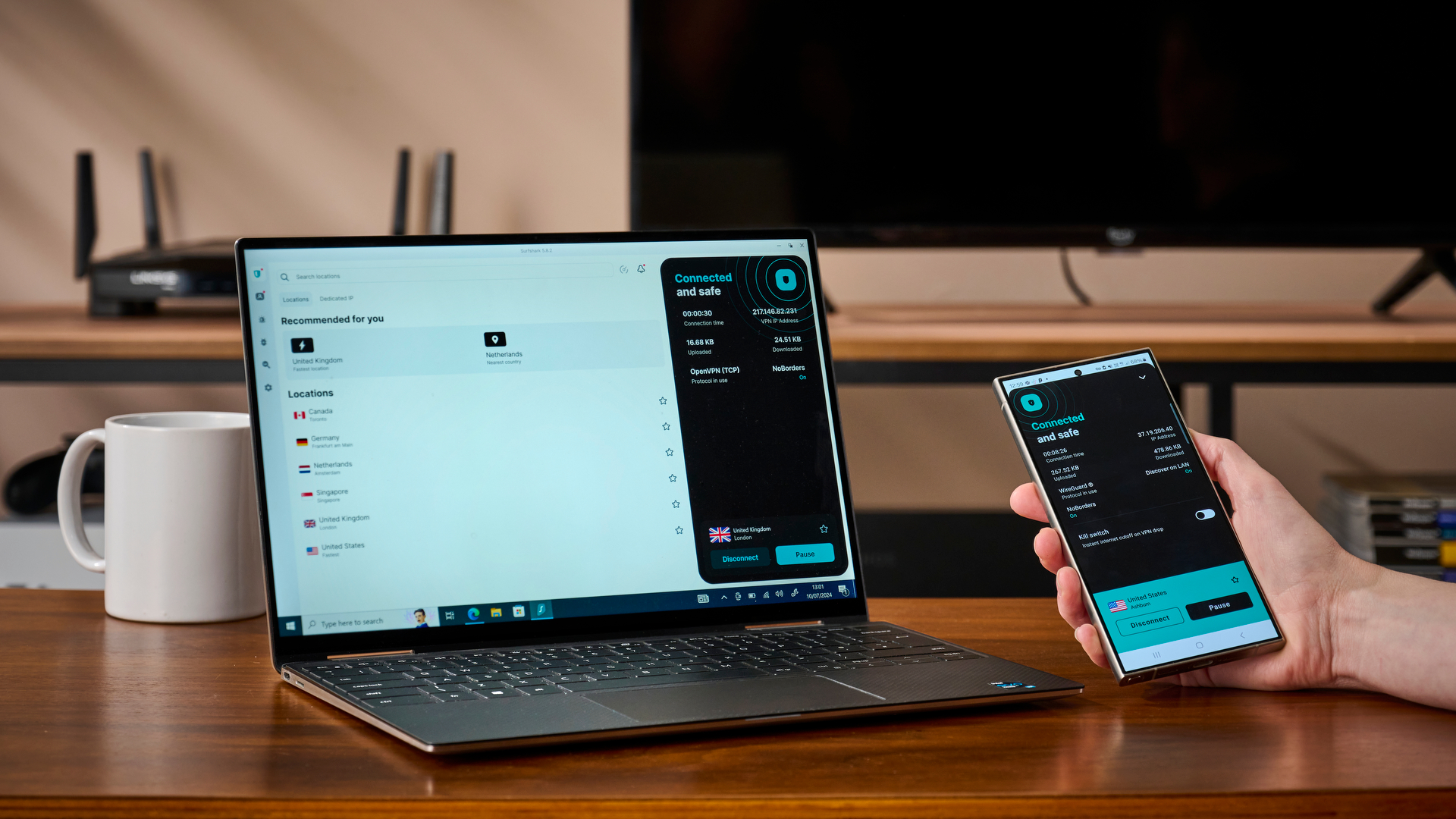 (Image credit: Future)
3. Surfshark
Dive into gaming with unmatched speed and robust security
Affordable pricing with unlimited simultaneous connections
Solid performance
User-friendly apps and an intuitive interface
Windows kill-switch issues appeared under extreme stress testing
Lots of virtual servers
Surfshark stands out as one of the most flexible VPNs on our list, thanks to its wide device compatibility. You can install it on nearly any modern device, whether PCs, smartphones, or tablets, and even extend protection to gaming consoles like the PlayStation 5, Xbox Series X/S, and Nintendo Switch by configuring it on your router.
One of its most appealing features is the absence of device limits. That means you can protect your entire household, regardless of how many gadgets you use, under a single account, making Surfshark an excellent choice for families or gamers with multiple devices.
Read more about Surfshark ▼
Speed and performance
When it comes to raw speed, Surfshark is one of the fastest VPNs we've come across. It reached 950+ Mbps on WireGuard during our tests, matching NordVPN at the top.
What really sets Surfshark apart, though, is its OpenVPN performance – an impressive 460 Mbps, higher than any other VPN we reviewed. This makes it ideal even if you prefer sticking with OpenVPN for its robust compatibility, as you won’t need to sacrifice speed.
Surfshark also has a large global footprint, with over 4,500 servers in 100 countries. While that’s slightly fewer countries than NordVPN (127) or ExpressVPN (105), it's still broader than most, including PIA, and more than enough for bypassing region-restricted content. It's why it's one of the best streaming VPNs around.
For example, games like PUBG, which have been blocked in specific regions such as India, are easily accessible through Surfshark.
Privacy and security
For those wanting to keep their VPN use completely invisible, Surfshark’s obfuscated servers are a great feature. These servers disguise VPN traffic to appear like regular internet use, making it difficult for networks or authorities to even detect you're using a VPN.
If you can’t install Surfshark directly on your router, the smart DNS feature still lets you unlock region-blocked games on consoles. However, this method lacks encryption, leaving you open to potential DDoS attacks.
On most other platforms, though, Surfshark does include DDoS protection, which is critical for gamers, especially in competitive environments where rivals may try to crash your connection by targeting your IP address.
Surfshark has also recently expanded its Dedicated IP service, adding seven new locations including New York, São Paulo, Warsaw, and Singapore – bringing the total to 20 cities worldwide.
While primarily useful for reducing CAPTCHAs and securing access to platforms that require consistent IPs, this optional paid feature can also benefit gamers by helping avoid shared IP bans and improving login reliability across gaming services. It supports all major protocols, including WireGuard, for optimal speed and stability.
One caveat: Surfshark is headquartered in the Netherlands, a member of the 14 Eyes intelligence-sharing alliance alongside the US, Canada, and Australia. While this isn’t necessarily a red flag for gaming, privacy purists may want to lean toward providers like NordVPN or ExpressVPN, which are based in more privacy-forward jurisdictions.
Swipe to scroll horizontally
Surfshark test results:
| Attributes | Notes | Rating |
|---|---|---|
| Design | Elegant, simple, and intuitive | ⭐⭐⭐⭐⭐ |
| Ease of use | Great for beginners, and seamless connections | ⭐⭐⭐⭐⭐ |
| Performance | Faster than all of our top picks | ⭐⭐⭐⭐⭐ |
| Unblocking | Unblocked everything we threw at it | ⭐⭐⭐⭐⭐ |
| Security and privacy | Some kill switch issues, and the built-in ad blocker and antivirus wasn't as good as we were expecting | ⭐⭐⭐ |
| Customer support | Lots of supporting articles, but awkward to navigate to when you need help on the fly | ⭐⭐⭐⭐ |
| Price | The best cheap VPN on the market | ⭐⭐⭐⭐⭐ |
Other VPNs I've tested and recommend
4. CyberGhost
Dedicated gaming servers and an easy-to-use app
Large server network with specialized gaming servers
Strong emphasis on privacy and security
User-friendly interface and easy setup process
Dedicated IPs are expensive
Not as effective at unblocking content.
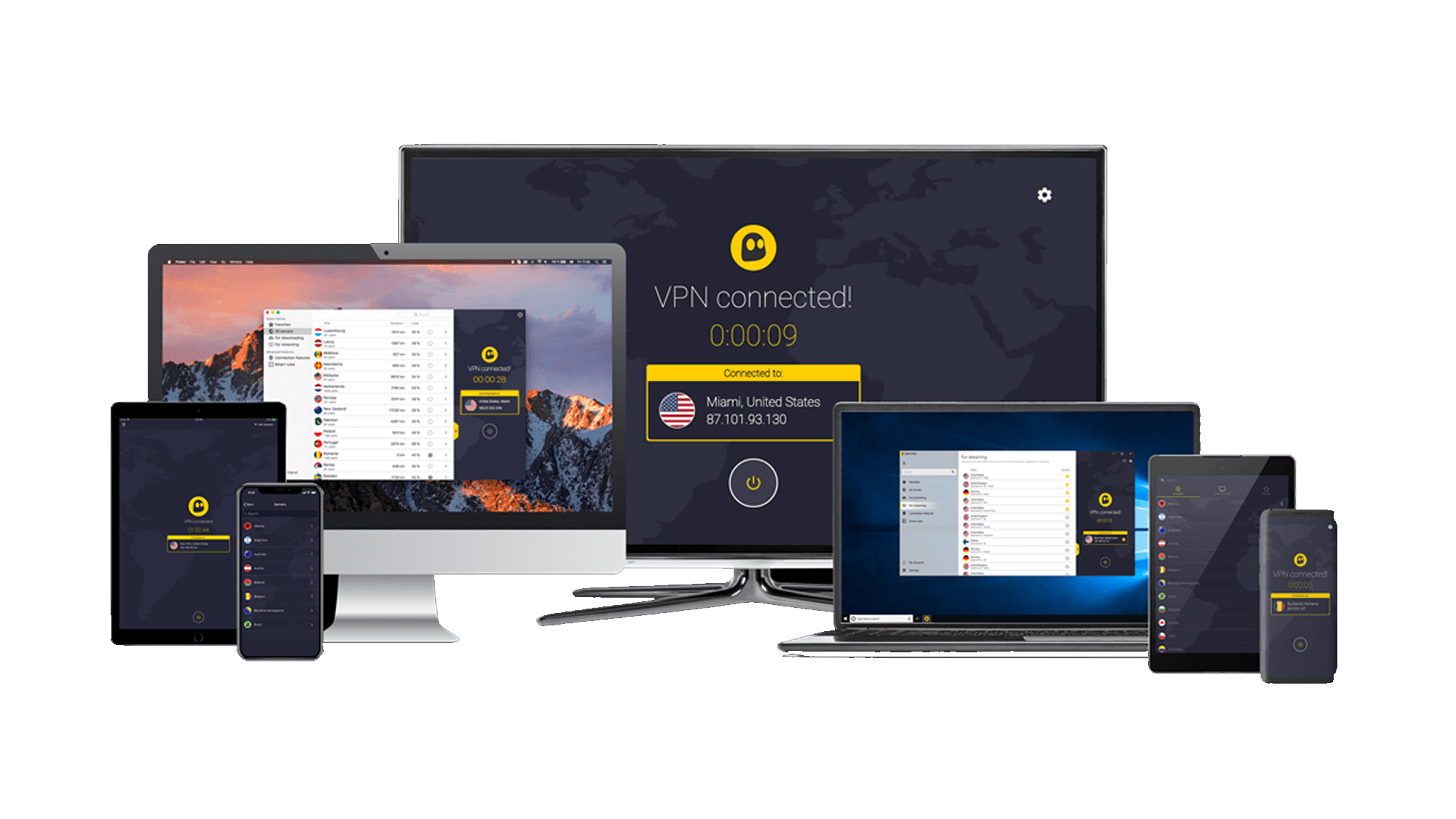
CyberGhost lands in fourth place on our list – not because it’s lacking, but because it slightly trails behind the top contenders in speed and flexibility. It offers a generous seven simultaneous connections, which should be enough for most users.
However, each device occupies a fixed “slot,” meaning if your console, PC, and phone are all connected, and you want to add a tablet, you’ll need to log one device out first. For households with multiple gamers or shared consoles, this setup can quickly become inconvenient.
Read more about CyberGhost ▼
Speed and performance
As mentioned in the previous entry, CyberGhost isn’t the fastest VPN around, but it holds its own where it counts. In our tests, it reached 760 Mbps using WireGuard –slower than NordVPN, ExpressVPN, or Surfshark, but noticeably faster than PIA (436 Mbps).
If you plan to install CyberGhost on your router (a common setup for gaming consoles like PlayStation or Xbox), you’ll likely use the OpenVPN protocol. In that scenario, CyberGhost really impressed, clocking speeds up to 360 Mbps.
Among the VPNs we tested, only Surfshark performed better with OpenVPN (460 Mbps), making CyberGhost a strong contender for router-based gaming.
With over 11,500 RAM-only servers across 100 countries, CyberGhost gives you broad access to geo-blocked games, even if it doesn’t match the country reach of NordVPN (111), ExpressVPN (106), or Surfshark (100). That said, 100 countries are more than sufficient to bypass regional restrictions in titles like PUBG or Call of Duty Warzone.
When it’s time to take a break between intense gaming sessions, CyberGhost is also excellent for streaming, effortlessly unblocking Netflix, BBC iPlayer, Amazon Prime Video, HBO Max, and Disney+.
Privacy and security
CyberGhost enforces a strict no-logs policy, meaning it doesn’t collect your browsing history, search preferences, traffic destination, or data content – ideal for gaming, streaming, or even casual browsing. This policy was independently audited by Deloitte in 2022 and reaffirmed by Deloitte Romania in 2024, which adds a solid layer of credibility.
To see how well it holds up in practice, we tested CyberGhost’s security against 412 brand-new malicious URLs. It blocked 55% of them, offering a decent performance that can protect you if you often visit gaming-related websites or download mods.
Furthermore, it blocked 79% of unwanted ads, keeping our screen and bandwidth clearer, which we find even more useful for gamers who frequently visit online stores.
What stood out the most, however, was its tracker-blocking capabilities. Out of 156 common trackers, it stopped 149, matching PIA's results under the same testing conditions. While not strictly a gaming feature, this level of protection adds value for anyone who wants to maintain privacy and speed while browsing, downloading, or streaming.
Swipe to scroll horizontally
CyberGhost VPN test results:
| Attributes | Notes | Rating |
|---|---|---|
| Design | Simple, intuitive, and easily customizable | ⭐⭐⭐⭐ |
| Ease of use | Perfect for beginners and anyone wanting a simple experience | ⭐⭐⭐⭐ |
| Performance | Decent speeds that are great for torrenting, streaming and gaming online | ⭐⭐⭐⭐ |
| Unblocking | Dedicated streaming servers, but struggled to unblock Disney Plus | ⭐⭐⭐ |
| Security and privacy | Robust and reliable with a third-party audit from Deloitte | ⭐⭐⭐⭐ |
| Customer support | Agents are helpful, but the on-site content could be better | ⭐⭐⭐ |
| Price | Excellent value and competitive pricing | ⭐⭐⭐⭐ |

5. Private Internet Access (PIA)
A low-cost pick that's great for Linux gamers and Steam Deck users
Dedicated Linux apps make it great for the Steam Deck
A twice-proven no-logs policy
Budget pricing with unlimited connections
Slower speeds
Potential for IP blocklisting
No free version
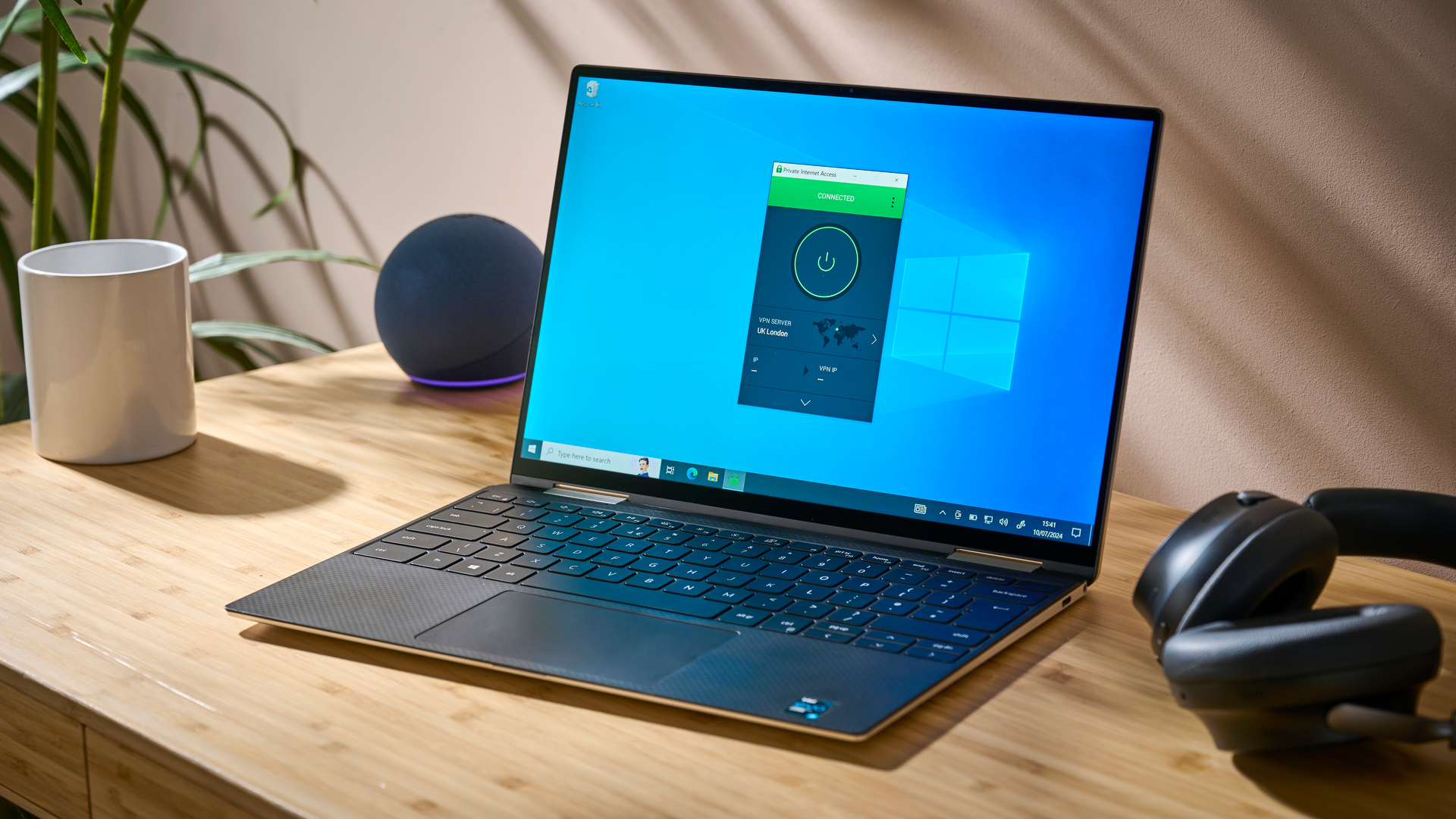
Private Internet Access (PIA) earns the fifth spot on our list thanks to its incredible value – just $2.03 per month on a two-year plan makes it one of the most budget-friendly premium VPNs available.
But that lower price does come with trade-offs. While it covers the essentials for a secure gaming experience, it lacks some of the advanced security features offered by top contenders like NordVPN or ExpressVPN. Still, with support for unlimited devices and solid performance for casual play, PIA remains a reliable pick, especially for gamers on a budget.
Read more about PIA ▼
Speed and performance
PIA offers the largest server network among the VPNs on our list, with coverage in 91 countries and 152 locations, including all 50 U.S. states.
While this wide reach is great for accessing region-restricted games, its speeds don’t quite match up to the top-tier providers. It averaged 436 Mbps using the WireGuard protocol (the lowest in our tests), though its OpenVPN speeds were more respectable at 257 Mbps, trailing only Surfshark and CyberGhost.
For casual gaming, these numbers are more than sufficient. When testing World of Warcraft via a San Jose server, we enjoyed a consistent 42–44 ms ping. However, performance wasn’t always steady; during a League of Legends match, ping varied wildly between 35 and 156 ms, making it less ideal for competitive or FPS titles where latency is crucial.
Privacy and security
While PIA may not be overflowing with features, it delivers the core protections needed for smooth and secure gaming sessions. It uses AES-256 encryption and includes a reliable kill switch, which is especially handy during fast-paced multiplayer games, as it prevents your IP address from being exposed if the VPN connection unexpectedly drops.
PIA maintains a strict no-logs policy, which was audited by Deloitte in April 2024. However, the full audit report is available only to users, which slightly dampens its transparency compared to competitors that make such findings public.
In terms of extra protections, PIA blocked 149 out of 156 common trackers, which is on par with CyberGhost. That said, when tested against 100 new malicious URLs from OpenPhish, it only managed to block two. While this may not directly impact your gaming, it suggests PIA isn’t the best option for users looking for all-around online threat protection.
Swipe to scroll horizontally
Private Internet Access test results:
| Attributes | Notes | Rating |
|---|---|---|
| Design | Lots of customization, but could do with some attention to detail | ⭐⭐⭐ |
| Ease of use | Not the best for beginners, but great for advanced users | ⭐⭐⭐ |
| Performance | Decent speeds, but generally underwhelming compared to industry leaders | ⭐⭐⭐ |
| Unblocking | Dedicated streaming servers and an enormous global network help you unblock anything and everything | ⭐⭐⭐⭐⭐ |
| Security and privacy | The latest and greatest in VPN tech, and a proven no-logging policy | ⭐⭐⭐⭐⭐ |
| Customer support | A mass of knowledge online and expert support on-hand at all times | ⭐⭐⭐⭐⭐ |
| Price | Budget-friendly and offering plenty of value for money | ⭐⭐⭐⭐⭐ |
What is a VPN?
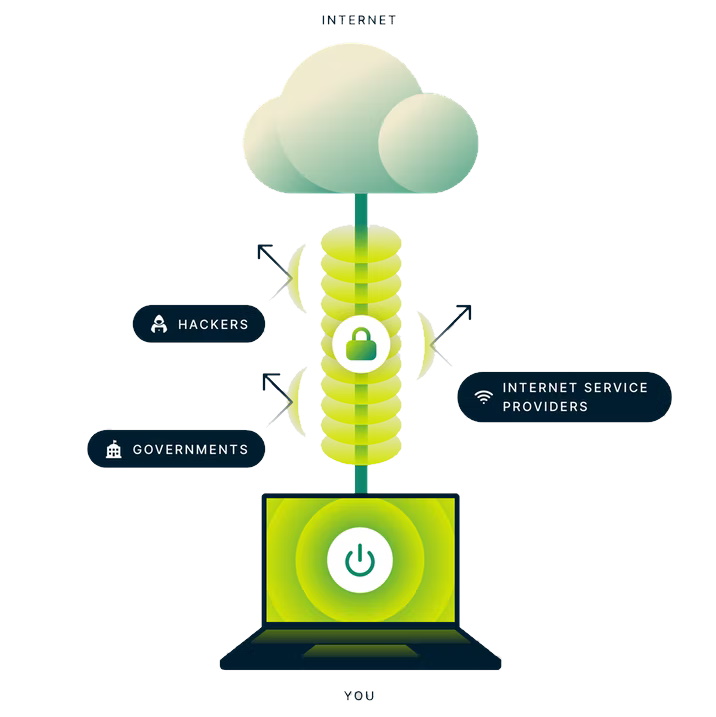
A virtual private network (VPN) works by creating a secure tunnel between your device and a remote server to encrypt your data and bypass web censorship. A powerful ally for gamers seeking online protection from hackers, cheaters, cybercriminals, and oppressive governments alike, VPNs offer a range of benefits that empower users to reclaim control of their online experiences.
Whether you're concerned about online security, want to access geo-restricted content, or simply browse the web with anonymity, a VPN can be your trusty companion in the digital realm.
(Image credit: ExpressVPN)
How to pick a gaming VPN
At TechRadar, our team is made up of VPN experts who are constantly using, testing, and reviewing the industry's main players and promising newcomers – but a lot of us are avid gamers, too. So, pooling our combined knowledge of the cybersecurity industry, 10 years of experience reporting on everything in the VPN world, and our combined passion for all things gaming, we've determined that these are the key features to keep in mind when choosing a VPN:
- Speed: a top-tier VPN for gamers must offer blazing-fast connections, minimal latency, and stable performance. Whether you're engaging in high-octane battles or exploring vast virtual landscapes, a VPN that can keep up with your gaming demands is crucial.
- Server locations: gaming knows no borders, and the best VPN for gamers must transcend geographical limitations. Look for a VPN with a vast server network, strategically placed across the globe. Unlock restricted content, access region-specific game releases, and connect to servers closest to gaming servers to minimize ping and maximize your gaming potential.
- Security: pick a VPN that offers robust encryption, a strict no-logs policy, and advanced security features. Shield your gaming sessions from potential DDoS attacks, safeguard your personal information, and game with peace of mind in a secure environment.
- Device compatibility: nowadays, you can play games on pretty much any gadget with an internet connection. Whether you prefer to play via your fancy PC rig, a console, your mobile, or a tablet, you'll want a VPN that works with your chosen platform. Most of today's top services offer intuitive apps for pretty much all devices, as well as multiple simultaneous connections that'll allow you to share the love with friends and family.
- Ease of use: finding a VPN that seamlessly integrates with your gaming setup is key. Look for a VPN that supports multiple platforms and devices, ensuring compatibility with your gaming rig, consoles, or mobile devices. A user-friendly interface, easy installation, and intuitive controls are essential for a hassle-free gaming experience – but I've whipped up a guide that'll show you how to use a VPN if you need a helping hand.
- Customer support: if things go wrong in the heat of battle, having quick and reliable support is crucial. Make sure you consider the customer support available. Is it email only, or does it offer a 24/7 live chat with a human and not a robot that sends you in circles? Responsive assistance, troubleshooting guides, and an active user community can make a significant difference when you encounter any obstacles along your gaming journey.
It's dangerous to go alone
Take a VPN into your gaming toolbelt, and you'll stop cheaters in their tracks. Masking your IP and unblocking your speeds helps beat unexpected lag, packet loss, and sudden disconnections.
In the ever-evolving world of gaming, choosing the best VPN can elevate your gaming experience to unprecedented heights. Speed, global reach, security, compatibility, and reliable support are the cornerstones of a VPN fit for gamers.
Remember: the best VPN is the one that aligns with your gaming needs, empowering you to unlock new horizons, transcend boundaries, and conquer virtual realms with unrivaled precision. We can show you which services are worth considering, but only you will know which one is best for you. Stay connected, secure, and always ready to embark on new gaming adventures with one of our best VPNs by your side.

(Image credit: Shutterstock)
Gaming VPN FAQs
Why do I need a VPN for gaming?
Simply put, the internet is a shady place inhabited by shady people – present company excluded, of course. Hackers are always on the hunt for your personal data, malware can devastate your gaming PC or console, and sore losers can even target your network with DDoS attacks to spoil your fun. A gaming VPN can put a stop to these threats – and help you unblock content (like streaming platforms and even region-specific deals) from overseas.
Our tests show that NordVPN is the best service out there. It boasts tonnes of server locations, reliably fast connection speeds, and military-grade security features (including its very own NordLynx protocol). It's easy to use, and fantastic at unblocking online TV services when you want to relax after a series of ranked matches.
Can I get games cheaper with a VPN?
Yes, you can. With a gaming VPN, you can spoof your location to appear in different parts of the world and take advantage of lower prices and ongoing sales that aren't available in your current region. There's always a sale somewhere, and with a VPN, you can maximize your fun, without maxing out your card. Check out the best PC games around right now and you can use a VPN to get them at the cheapest price.
Is a VPN good for gaming?
Pick the right VPN and yep, they're a must-have! Choosing an unreliable service can lump you with a bit of software that slows you down, lacks security tools, and just can't keep you as anonymous as you'd hoped.
On the other hand, the best VPNs provide genuine peace of mind – not a false sense of security. By putting a stop to bandwidth throttling, your VPN can curb lag and data loss, and NordVPN's Meshnet feature even allows you to check out server hosting.
If you've got a specific game in mind, take a look at the best Minecraft server hosting services. Alternatively, take a look at the best VPN for Valorant and see how VPNs can protect you in ranked games.
What are DDoS attacks?
Short for distributed denial of service, DDoS attacks are the surge of professional and serious gamers the world over. It's a tactic used to slow down other players, by flooding their IP address with junk traffic that overwhelms the gamer's network and prevents their system from responding at normal speeds and reliability.
That's where a VPN comes in. Because VPN users send all their internet traffic through the provider's third-party IP address, it's extremely hard (although still not impossible) for the malicious actor to target your particular network for any sustained period.

(Image credit: Activision)
Can you get banned for using a VPN when playing Warzone?
There are plenty of reasons one might use a VPN when playing a battle royale video game, from reducing ping to accessing easier lobbies.
The COD Warzone Security and Enforcement Policy does not state that a Warzone VPN is strictly prohibited. In fact, a VPN can be used in order to stabilize connection and reduce lag, as long as it's not being used in order to gain an unfair advantage. When it comes to using a VPN, however, it seems like the latter would be difficult to prove considering the anonymity a VPN grants a user and their identity.
Should I get a free download for my gaming VPN?
The short answer is no. Don't get me wrong, there are some decent free VPNs out there, and they can come in handy in a pinch, but you won't want to rely on them for gaming.
Why? Well, free services often come with strict data allowances and monthly caps that get used up pretty quickly when you're in an online game. The sheer amount of ads, and lack of server locations, are pretty significant downsides, too.
Do VPNs make gaming faster?
VPNs can make gaming faster by giving you the option to connect to less congested servers or servers closer to the game’s data centers. This can lower your ping and reduce lag, especially if you live far from common gaming regions. By hiding your online activity from your ISP, VPNs also prevent throttling that slows down your connection during high-bandwidth gaming or downloads, helping maintain stable speeds for a better gaming experience.
Will a VPN help reduce ping?
Yes, a VPN can help reduce ping by letting you connect to servers closer to the game’s data centers or in less busy regions. This location spoofing not only lowers latency but can also reduce lag, improving responsiveness in fast-paced games. For players outside major gaming hubs, VPNs provide a way to find better routes and servers. Additionally, connecting via a VPN can give you options to play during off-peak hours in other time zones, where server slots are more available and competition is lighter.
Which VPN protocol is best for gaming?
At the end of the day, it's a subjective choice – and it depends on your priorities. For speed, you'll want to stick with WireGuard wherever it's available. WireGuard is the ultimate blend of performance and privacy—and it's only composed of around 5,000 lines of code. Generally, whenever I test VPN speeds, I'll get much better results when using WireGuard.
If you're more concerned about your security, however, OpenVPN is the better choice. It's an open-source protocol that anyone can vet for themselves, and is massively customizable. It's not as speedy as WireGuard, and is made up of a whopping 70,000 lines of code, but, unlike WireGuard, it does offer obfuscation capabilities that hide the fact that you're using a VPN in the first place (which can help you get around VPN bans and censorship).
We test and review VPN services in the context of legal recreational uses. For example: 1. Accessing a service from another country (subject to the terms and conditions of that service). 2. Protecting your online security and strengthening your online privacy when abroad. We do not support or condone the illegal or malicious use of VPN services. Consuming pirated content that is paid-for is neither endorsed nor approved by Future Publishing.
Sign up for breaking news, reviews, opinion, top tech deals, and more.