ChatGPT Cheat Sheet: A Complete Guide to Features, Costs, and Use Cases (original) (raw)
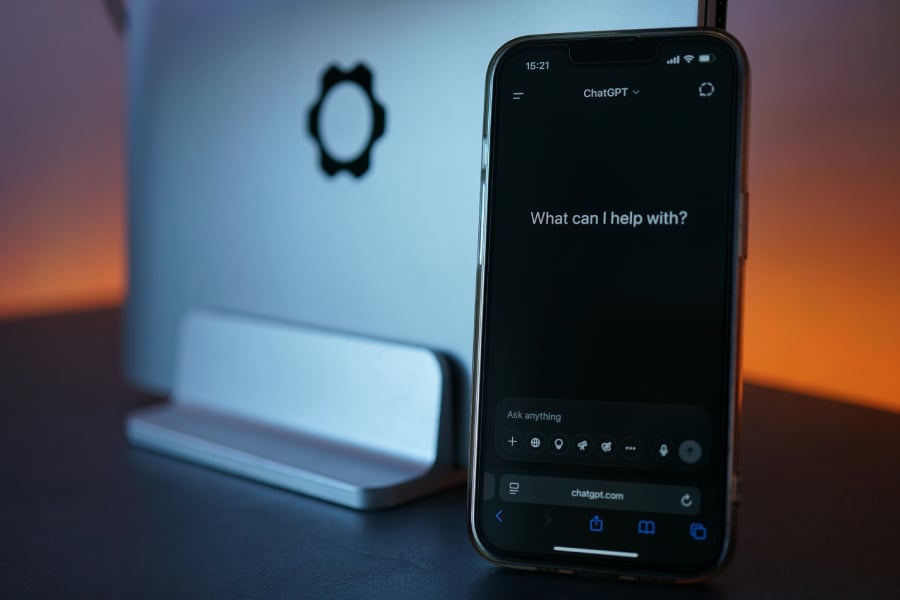
Source:Tim Witzdam/Unsplash
ChatGPT cheat sheet for 2026, covering features, pricing, availability, support for older devices, how it works, and top competitors in one guide.
ChatGPT is OpenAI’s AI assistant that helps people think, write, build, and solve problems… all in one place.
What started as a simple chatbot has evolved into a far more capable tool. Today, ChatGPT can generate and edit text, analyze files, create images, write and debug code, and even pull in up-to-date information from the web. Instead of switching between apps, users can move from idea to execution within a single, continuous conversation.
In practice, ChatGPT functions less like a standalone app and more like a flexible workspace — part writer, part researcher, part developer — adapting in real time as tasks become more complex
- What does ChatGPT do?
- How does ChatGPT work?
- Where is ChatGPT available?
- Will ChatGPT work on older devices?
- How much does ChatGPT cost?
- When did ChatGPT launch?
- How do I add ChatGPT?
- How do I activate ChatGPT?
- What are the competitors to ChatGPT?
- What are ChatGPT’s limitations?
- Tips for getting better results with ChatGPT
What does ChatGPT do?
ChatGPT supports a wide range of assistant-style tasks:
- Answering questions, explaining concepts, and helping with problem-solving
- Writing, editing, summarizing, and translating content
- Generating and debugging code across multiple languages
- Working with files such as PDFs, spreadsheets, and structured data
- Creating and editing images from text prompts
- Searching the web for up-to-date information (on supported plans)
- Supporting ongoing work through memory and custom GPTs
Most of this happens within a single conversation, with context carried forward as tasks develop.
How does ChatGPT work?
ChatGPT runs on OpenAI’s family of large language models, including the GPT-4o and GPT-5 series, as well as smaller reasoning-focused models such as o3 and o4-mini. These models are designed for different levels of speed, cost, and depth, allowing the system to handle everything from quick replies to more complex, multi-step tasks.
Most ChatGPT interactions take place in the cloud, where the system can access more powerful compute resources along with features like web browsing, file handling, and image generation. In enterprise and government setups, deployments can run in more controlled environments, such as Azure-hosted instances, to meet stricter requirements around security and data handling.
OpenAI currently groups ChatGPT capabilities across a few main model types:
- GPT-4o / GPT-5 series: General-purpose models for conversation, writing, coding, long-context work, and multimodal tasks
- Reasoning models (o3, o4-mini): Optimized for math, technical workflows, and deeper step-by-step problem solving
- Lightweight models (GPT-4o-mini and similar): Used for faster, lower-cost responses in everyday use
ChatGPT also includes data controls that let users manage how their conversations are handled, while business and enterprise plans apply stricter safeguards around data access, storage, and compliance.
Where is ChatGPT available?
ChatGPT is accessible through several entry points, depending on how you prefer to use it:
- Web: chat.openai.com as the main interface
- Mobile: iOS and Android apps with support for chat, voice, and uploads
- Desktop: Dedicated apps for Windows and macOS, along with integrations for developer tools
- APIs and cloud: OpenAI API and Azure OpenAI for custom applications
- Enterprise: Team and organization plans with admin controls and security features
Availability and features can vary by region, plan, and device.
Will ChatGPT work on older devices?
ChatGPT doesn’t rely heavily on local hardware, since most of the processing happens remotely. As long as a device can run a modern browser or the official app, it can handle standard ChatGPT use.
That means older laptops, phones, and tablets can still perform everyday tasks like chat, writing, and basic file uploads without issue. Differences start to show with newer features, such as real-time voice, video, or faster interactions, which depend more on app support and connection stability.
Higher-tier capabilities are typically unlocked through subscription plans.
How much does ChatGPT cost?
ChatGPT offers several pricing tiers as of 2026:
- Free: Limited access with lighter models, capped image generation, and lower usage limits
- Go ($8/month): Higher limits than Free, with fewer advanced tools (ad-supported tier)
- Plus ($20/month): Access to stronger models, faster responses, and broader features
- Business ($20/user/month billed annually): Shared workspace, admin controls, and higher limits
- Pro ($100/month): Full access to top-tier reasoning models and premium capabilities
- Enterprise (custom): Advanced security, compliance, and organization-wide controls
- API: Usage-based pricing depending on model and volume
When did ChatGPT launch?
ChatGPT has evolved step by step, with each release adding new capabilities.
- Nov 2022: ChatGPT initial public release
- 2023-2024: GPT-4 and multimodal upgrades expand capabilities
- 2025-2026: GPT-5-series models introduced, adding longer context, stronger reasoning, and broader multimodal features
Updates continue to roll out regularly, with improvements delivered over time.
How do I add ChatGPT?
To start using ChatGPT:
- Visit chat.openai.com and sign in or create an account
- Download the ChatGPT app on iOS or Android
- Install the desktop app for Windows or macOS
- For developers, generate an API key through OpenAI or Azure
How do I activate ChatGPT?
ChatGPT does not require a separate activation step.
Once signed in, it is ready to use, with features available based on your plan, device, and region. Upgrading your subscription unlocks higher limits and additional capabilities.
What are the competitors to ChatGPT?
- Google Gemini: offers similar capabilities with strong integration across Android and Google Workspace
- Anthropic Claude: focuses on structured reasoning and safety-oriented responses
- Microsoft Copilot: built into Windows, Edge, and Microsoft 365 tools
- Meta Llama: used for flexible deployments through cloud platforms and self-managed setups
These platforms overlap in core features like chat, writing, coding, and multimodal tools, but differ in their ecosystems, integrations, and deployment options.
More must-read AI coverage
- SS&C Intralinks DealCentre AI vs. Datasite: Which platform is built for the future of dealmaking?
- SS&C Intralinks FundCentre AI vs. Juniper Square: Which platform better supports modern private markets fund managers?
- Why Data, Not Models, Determines AI Success
- The Rise of the AI-Native Factory: How Physical AI Is Transforming Manufacturing
What are ChatGPT’s limitations?
While ChatGPT is a powerful general-purpose assistant, it still has important limitations to keep in mind:
- Responses may contain inaccuracies or confidently presented errors, especially on complex, technical, or niche topics, so outputs should be reviewed and verified
- Access to current information depends on whether web browsing is enabled, and even then, interpretations of sources may not always be perfect
- Outputs can vary significantly based on how prompts are written, with vague or underspecified requests leading to weaker or less relevant results
- Long or multi-step tasks may lose precision without clear structure, requiring users to guide the process step by step
- Some advanced features, such as file handling, image generation, or real-time capabilities, may be limited by plan, device, or region
ChatGPT also lacks independent judgment and should not be relied on as the sole source for high-stakes decisions in areas such as legal, financial, or medical advice.
Tips for getting better results with ChatGPT
Getting the most out of ChatGPT often comes down to how you interact with it. These best practices can help improve both accuracy and usefulness:
- Be specific with prompts by clearly stating your goal, preferred format, and any constraints or requirements
- Provide context upfront, such as background information, examples, or reference points, to guide more relevant responses
- Break complex tasks into smaller steps, or ask for step-by-step output to maintain clarity and accuracy
- Iterate on responses by asking follow-up questions, requesting revisions, or narrowing the scope of the answer
- Use structured inputs like bullet points, data tables, or uploaded files when working with detailed information or analysis
- Experiment with different phrasing or instructions if the initial output isn’t quite right, as small changes can lead to better results
- Treat ChatGPT as a collaborative tool, refining outputs over multiple turns rather than expecting perfect answers in a single response
Ultimately, ChatGPT works best as an interactive tool rather than a one-step solution. The more clearly you communicate your intent and refine outputs over time, the more useful and accurate the results become. Treating it as a collaborative assistant — rather than a static answer engine — can unlock far more value across everyday tasks and complex workflows alike.
If you want to get the most out of Apple Intelligence, this cheat sheet breaks down everything you need to know.