Pinned After a year of building, The Layout Maestro is officially live! 🎹🥳 An interactive CSS course that teaches you how to think in CSS layouts. 70+ lessons, 7 layouts, 150+ interactive demos! Ready to level up your layout skills? Enroll now👇:thelayoutmaestro.com
✍️ New Guide: CSS Grid Areas I wrote a new ✨ interactive ✨ guide that explores CSS grid areas, line numbers, line names, and includes many interactive examples to experiment with. Happy learning! 🔗 ishadeed.com/article/css-gr…
Say hello to the CSS tint() color function! 🎉 Pick a color and a percentage, and you're good to go. It works by altering the color L value. So excited about this 🤩
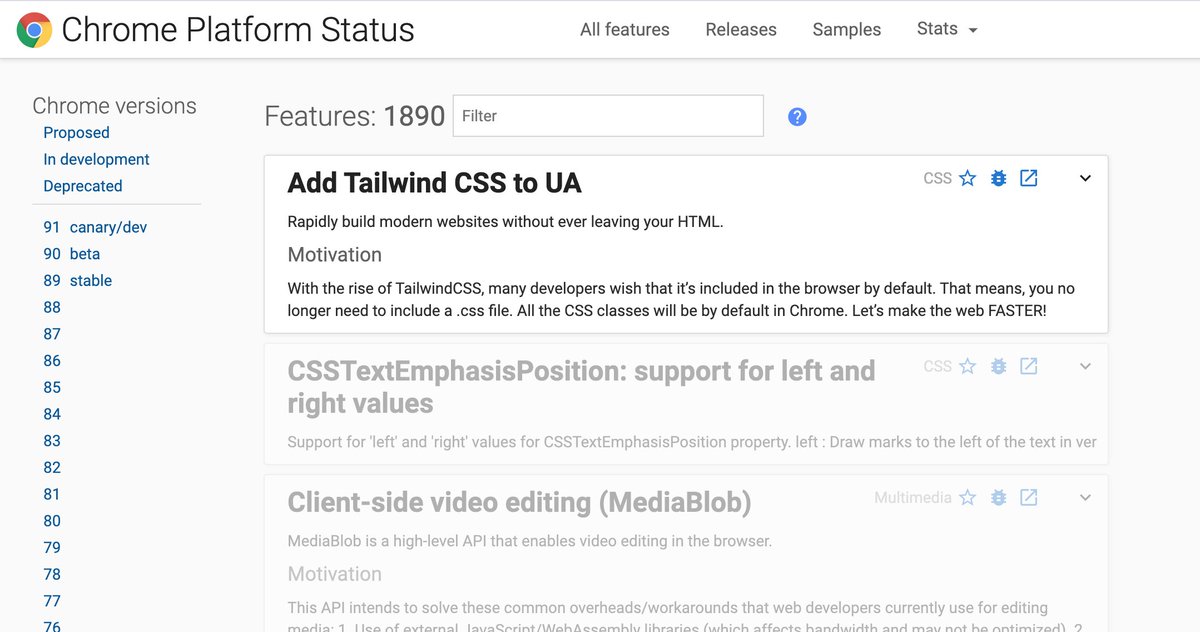
BIG NEWS: TailwindCSS is coming to Chromium! From now on, you will build websites with literally 0KB CSS!! 🤯
I have a CSS joke but it's not supported yet
✍️ New Article: Say Hello To CSS Container Queries I wrote about CSS container queries, how they work, why to use them, with use-cases and examples. I enjoyed learning and writing about them. Happy reading! 🔗 ishadeed.com/article/say-he…
💡 CSS Tip You can use `mix-blend-mode: multiply` to remove white backgrounds from logo images. Useful for quick testing in CSS. More details in "Aligning Logo Images in CSS":ishadeed.com/article/aligni…
✍️ New Article: Defensive CSS I compiled a list of defensive CSS techniques to avoid possible issues. This is usually a checklist I use when I'm working on a new web project. Hope you find it useful. 🔗 ishadeed.com/article/defens…
The safe triangle is magical! 🤩 It's a method used to expand the target area in context menus. 🔗 Learn about it here: ishadeed.com/article/target…
Here is a CSS fix to the Ever Given cargo ship.
CSS is magic 👌 On the left, I have an ordered list of articles. I want the numbers to be aligned. By using `font-feature-settings: 'tnum'`, the browser enables monospaced numbers. With that, the numbers are perfectly aligned. 🥳 h/t: @piccalilli_
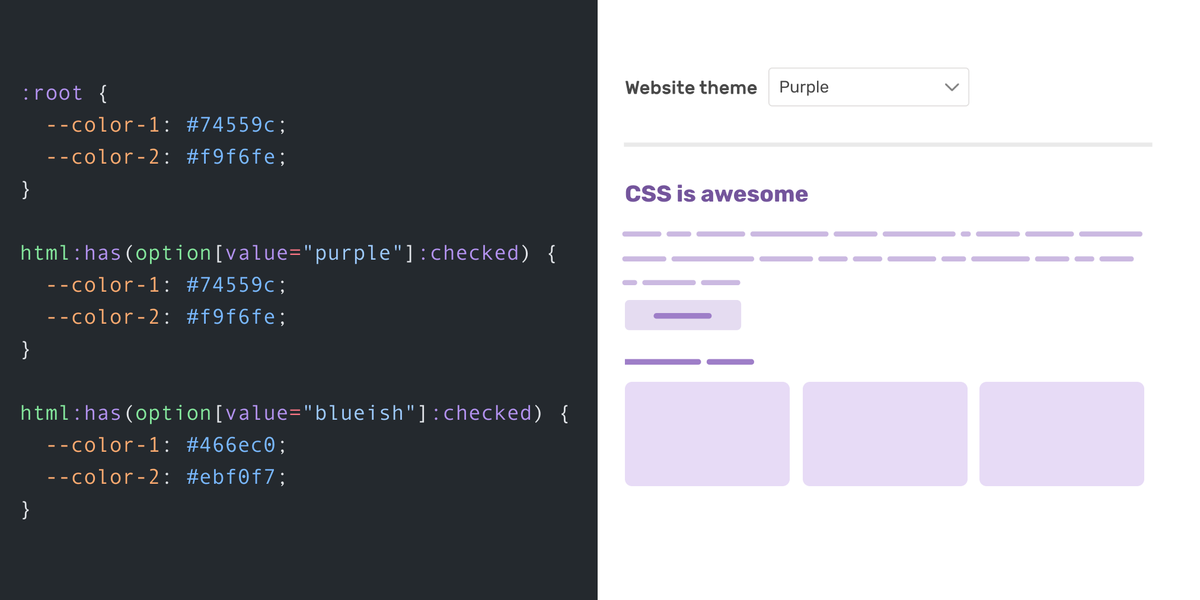
💡The CSS :has selector is magical! You can theme a website via a select menu and change the CSS variables. No JS is needed! html:has(option[value="purple"]:checked) { --color-1: purple; --color-2: orchid; } Article: ishadeed.com/article/css-ha…Demo: codepen.io/shadeed/pen/OJ…