GitHub Copilot · Agents on GitHub (original) (raw)
Navigation Menu
Provide feedback
Saved searches
Use saved searches to filter your results more quickly
Your code’s favorite coding agents
From clearing your backlog to reviewing code, let GitHub Copilot handle the busywork so you can focus on what’s next.
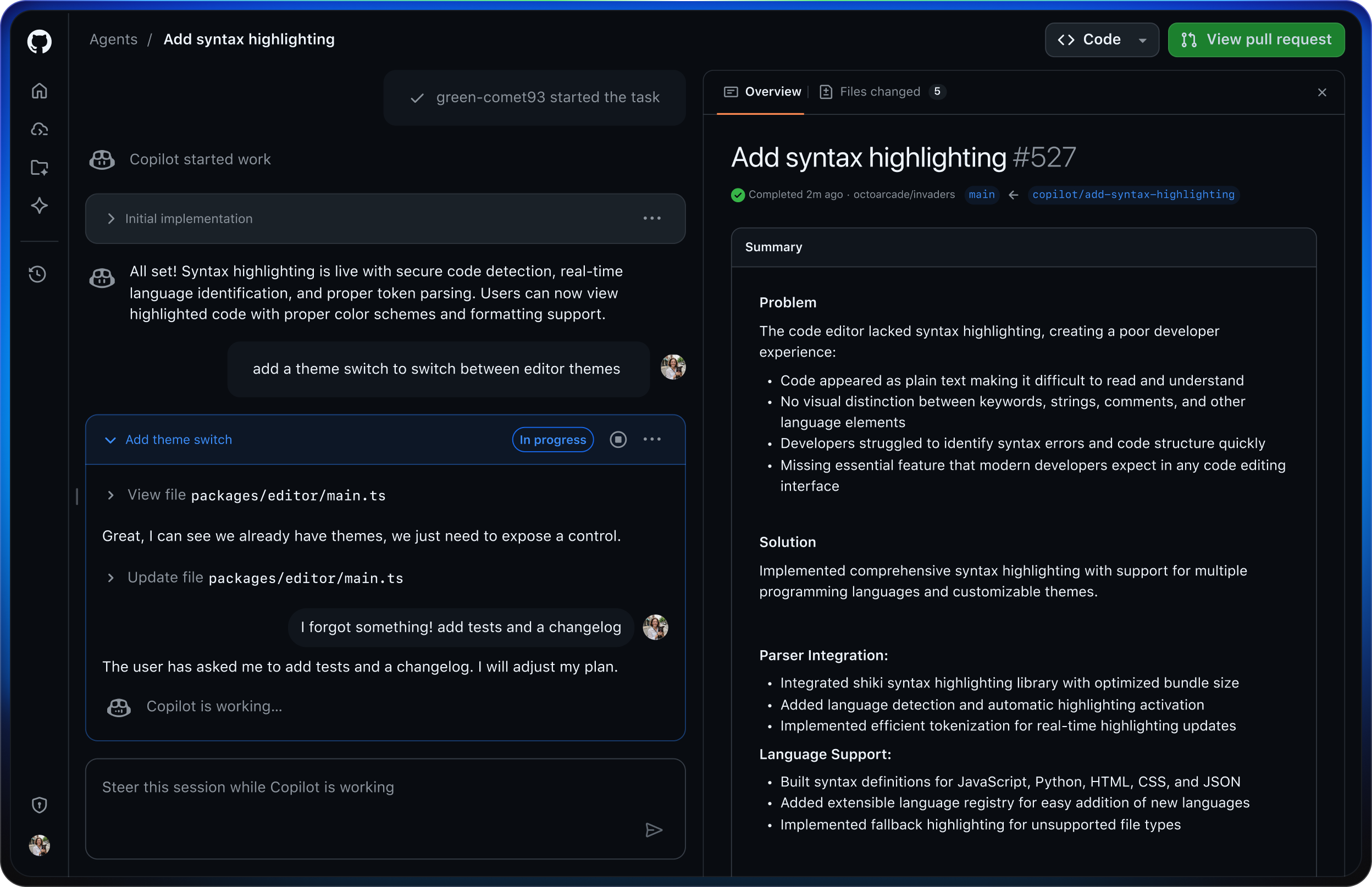
Put Copilot to work in the background
As your team codes, Copilot writes pull requests, handles edits, and responds to @mentions in real time.
Choose the right agent for the job
Some tasks need a specialist. Choose from Copilot or custom agents to get the work done right.
Manage agents and tasks together
See and steer tasks from one unified view. It’s like a mission control center for everything your agents touch.
Features
Your backlog doesn’t stand a chance
Assign issues, automate tasks, and watch your backlog disappear as Copilot turns plans into pull requests in the background.
Connect Copilot to your workflow
From GitHub Issues, Azure Boards, Raycast, or Linear, assign Copilot to an issue and your full planning context travels with it. You can also delegate from your favorite IDE, such as VS Code, or the CLI.
Copilot has entered the chat
Assign tasks to Copilot from Slack or Teams. It pulls context from the conversation, including decisions, links, and code, so you can skip extra tickets and long prompts.
Keep your reviews moving with Copilot
Get AI-assisted reviews right in your editor or pull requests. @Mention Copilot to suggest edits, fix issues, and keep code moving.
Get the most out of GitHub Copilot
Frequently asked questions
How does GitHub charge for agent tasks?
Tasks assigned to Copilot consume both GitHub Actions minutes and premium requests.
How do I manage my company’s spending?
GitHub Copilot Business and Enterprise plans include billing tools to help you visualize your spending patterns, receive alerts when you reach budget thresholds, and optimize your license usage.