GitHub Copilot · AI coding built your way (original) (raw)
From strategy to code, GitHub Copilot in Visual Studio Code keeps every project moving forward.
Features
Put your agent to work
Partner with Copilot to plan, edit, and build together.
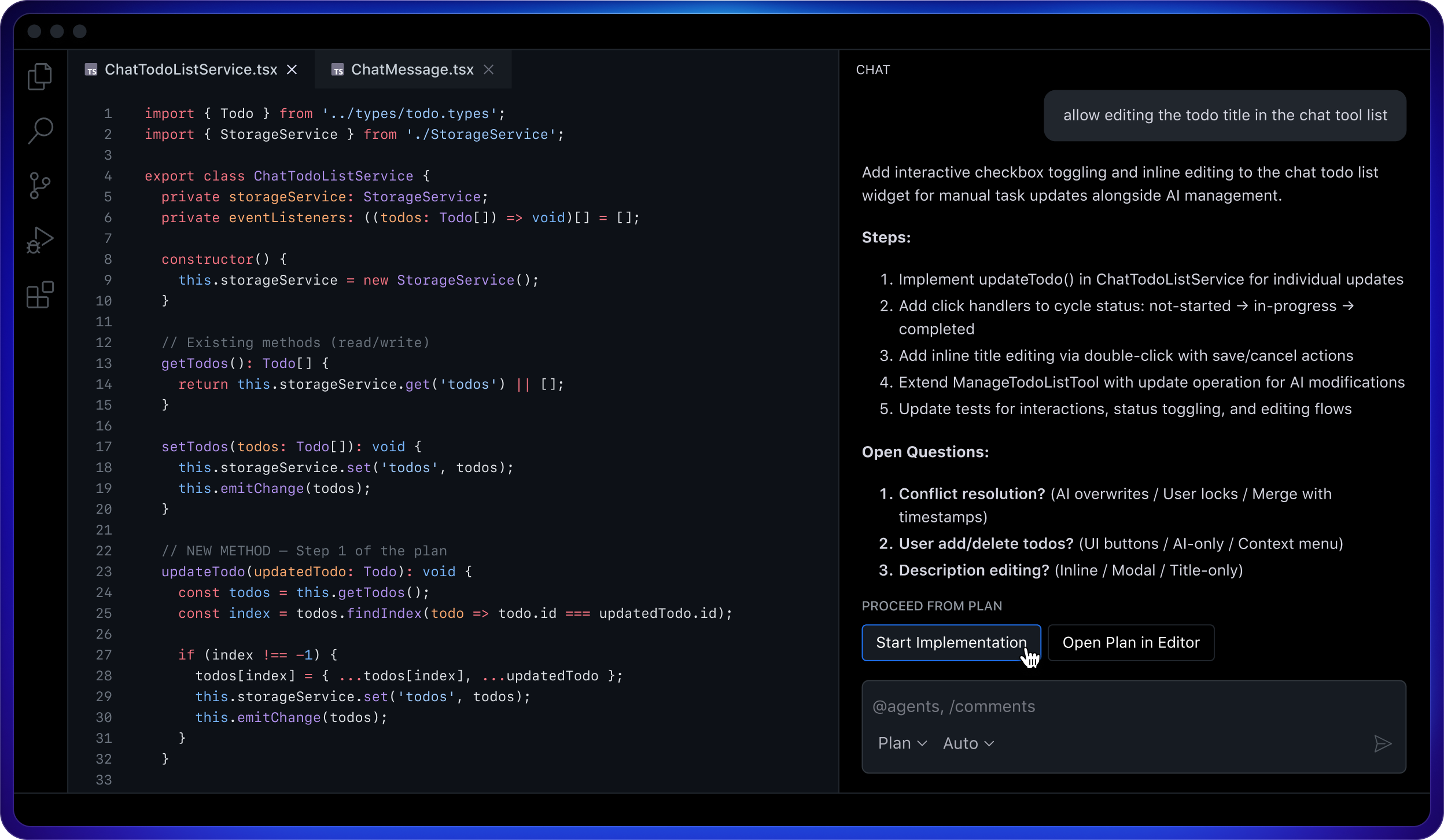
Strategy before code
Plan mode lets you review and approve the blueprint before the agent starts coding.
From prompt to project
Agent mode helps make changes at scale by analyzing code, proposing edits, running tests, and validating results across multiple files.
Configure once, align always
AGENTS.md enables you to share project-specific instructions and keep all agents in sync with your team’s coding practices.
Harness your agents
Choose the right agent for the job, from Copilot to a growing ecosystem of third-party agents and platforms.

The right agent for every challenge. Choose from a growing ecosystem of third-party coding agents over the coming months to tackle any challenge, right from your editor.
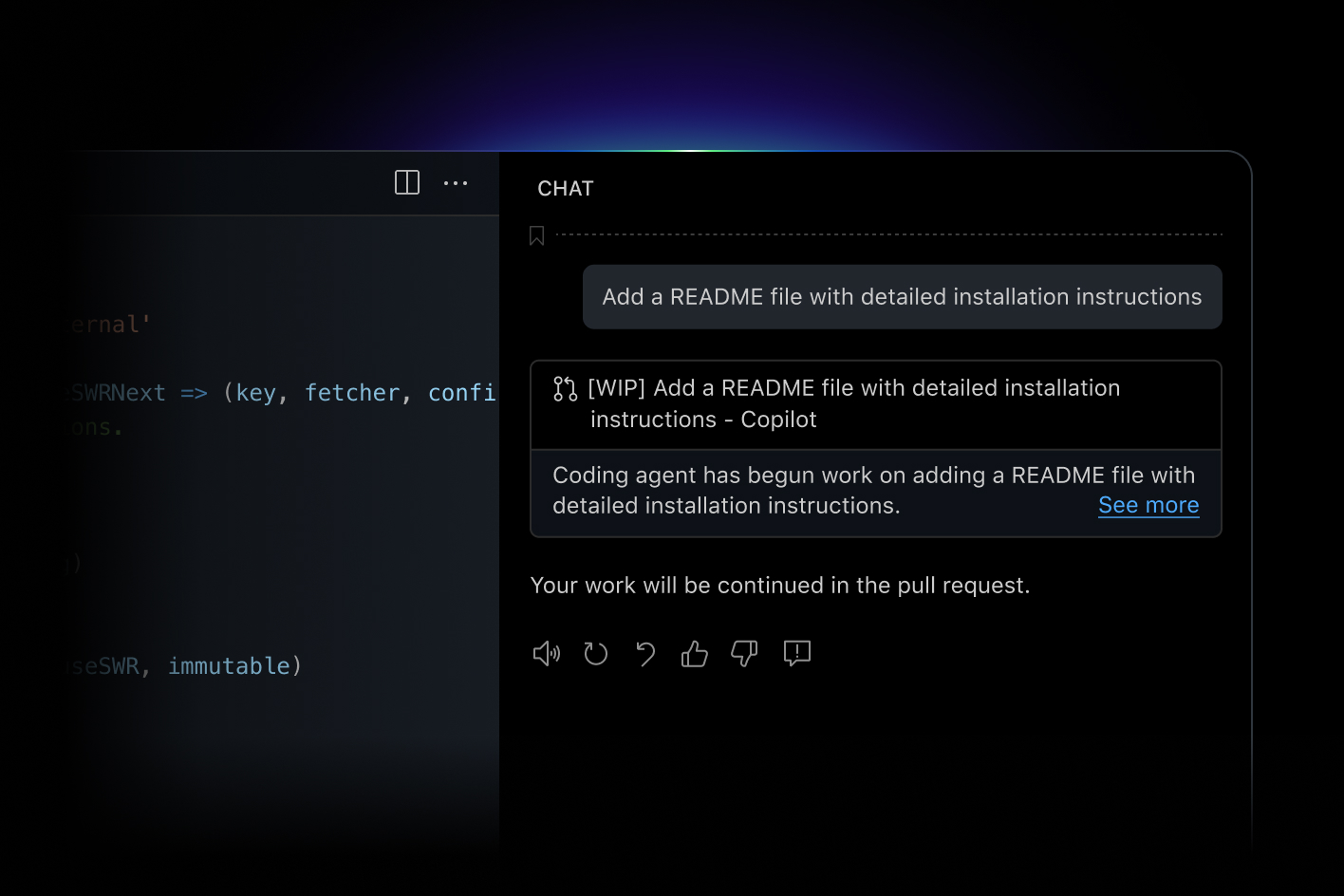
Let Copilot work in parallel
Hand off tasks to Copilot and get a pull request back while staying in the flow.
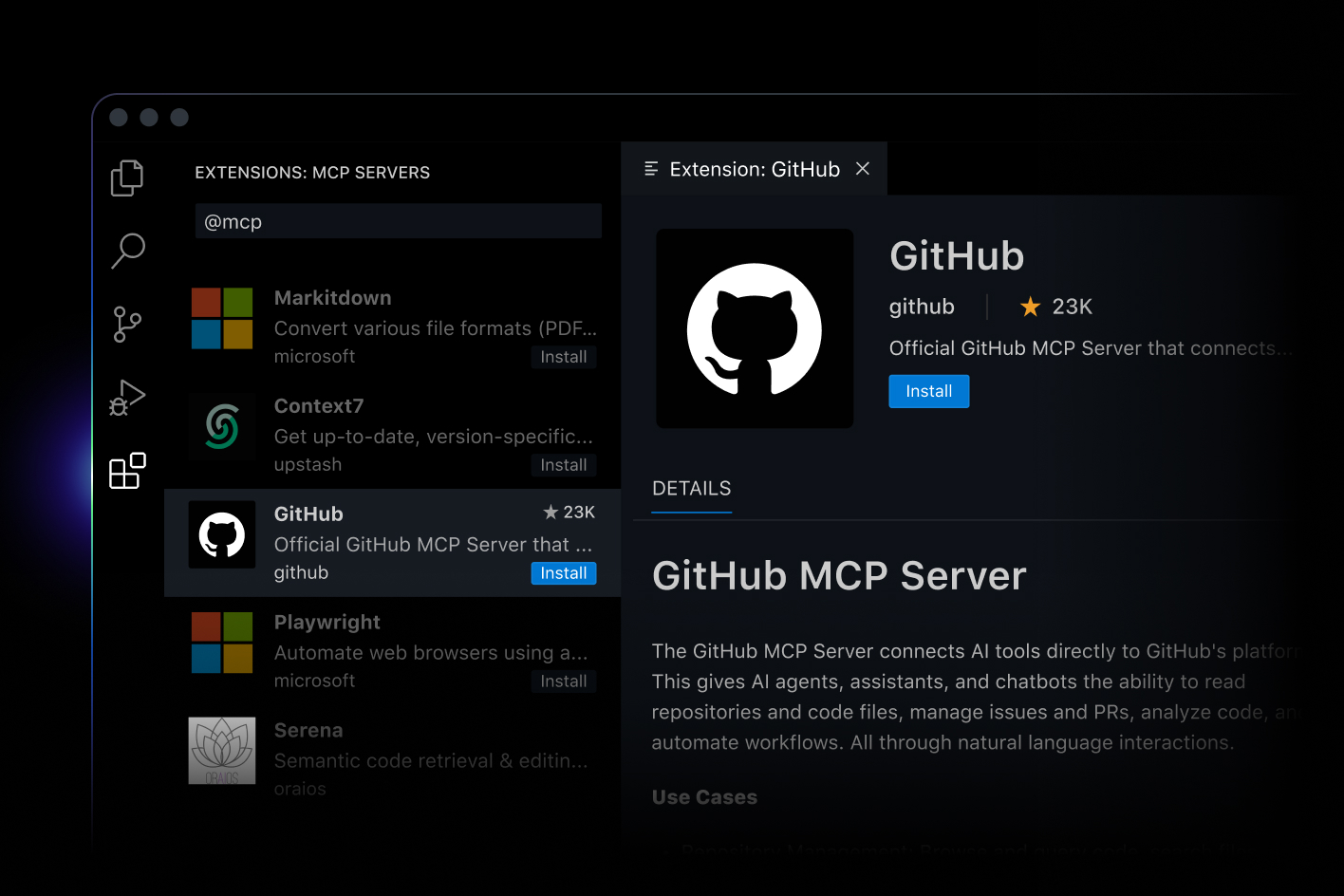
Native MCP server integration
Discover and install custom MCP servers from the GitHub MCP Registry, without leaving VS Code.
Multi-platform support
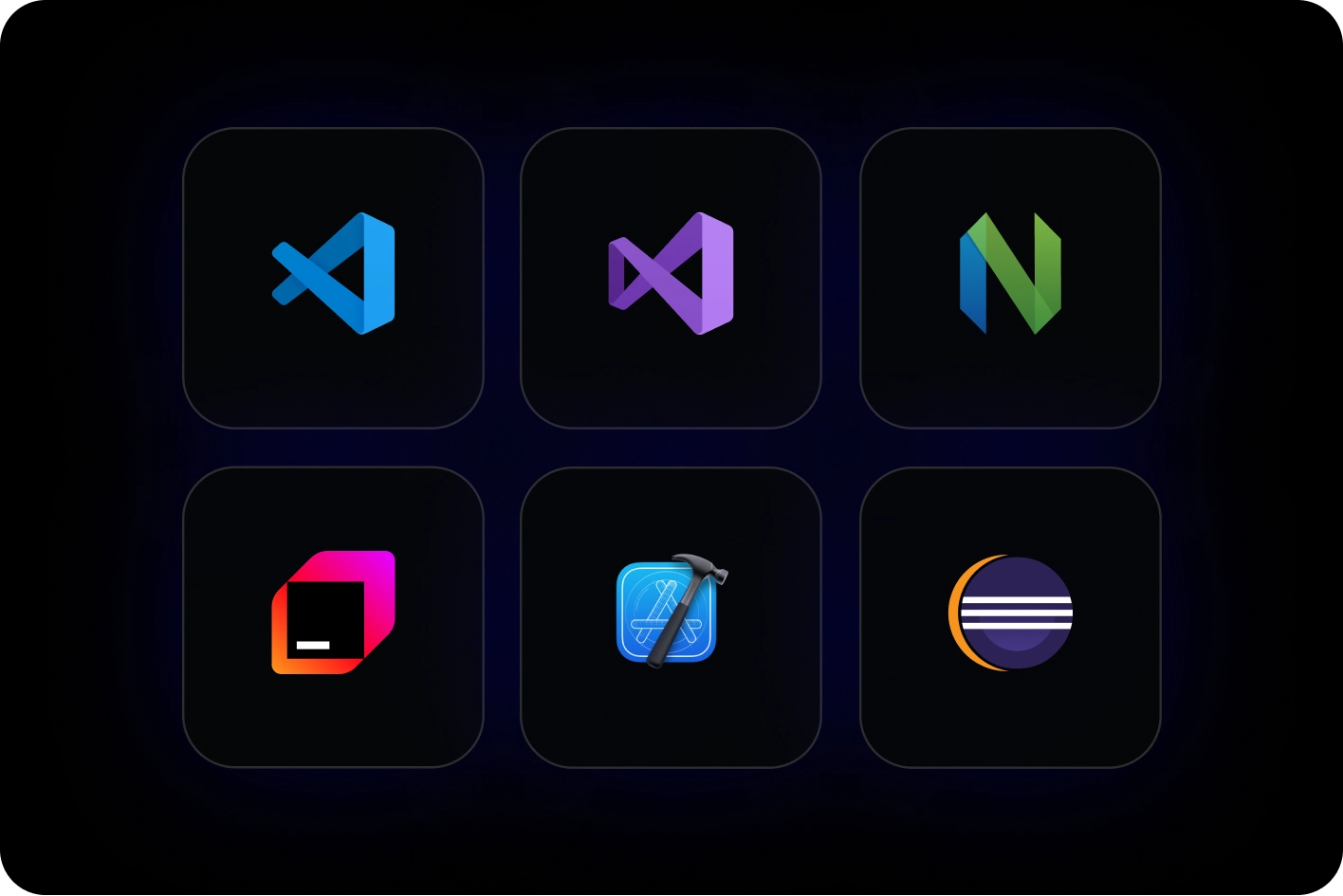
Work with Copilot wherever you code, whether natively in Visual Studio Code, or through extensions across Visual Studio, JetBrains, Eclipse, Xcode, and Neovim.
Built for performance and choice
Copilot delivers instant, context-aware performance and gives you the flexibility to choose the right model for your work.
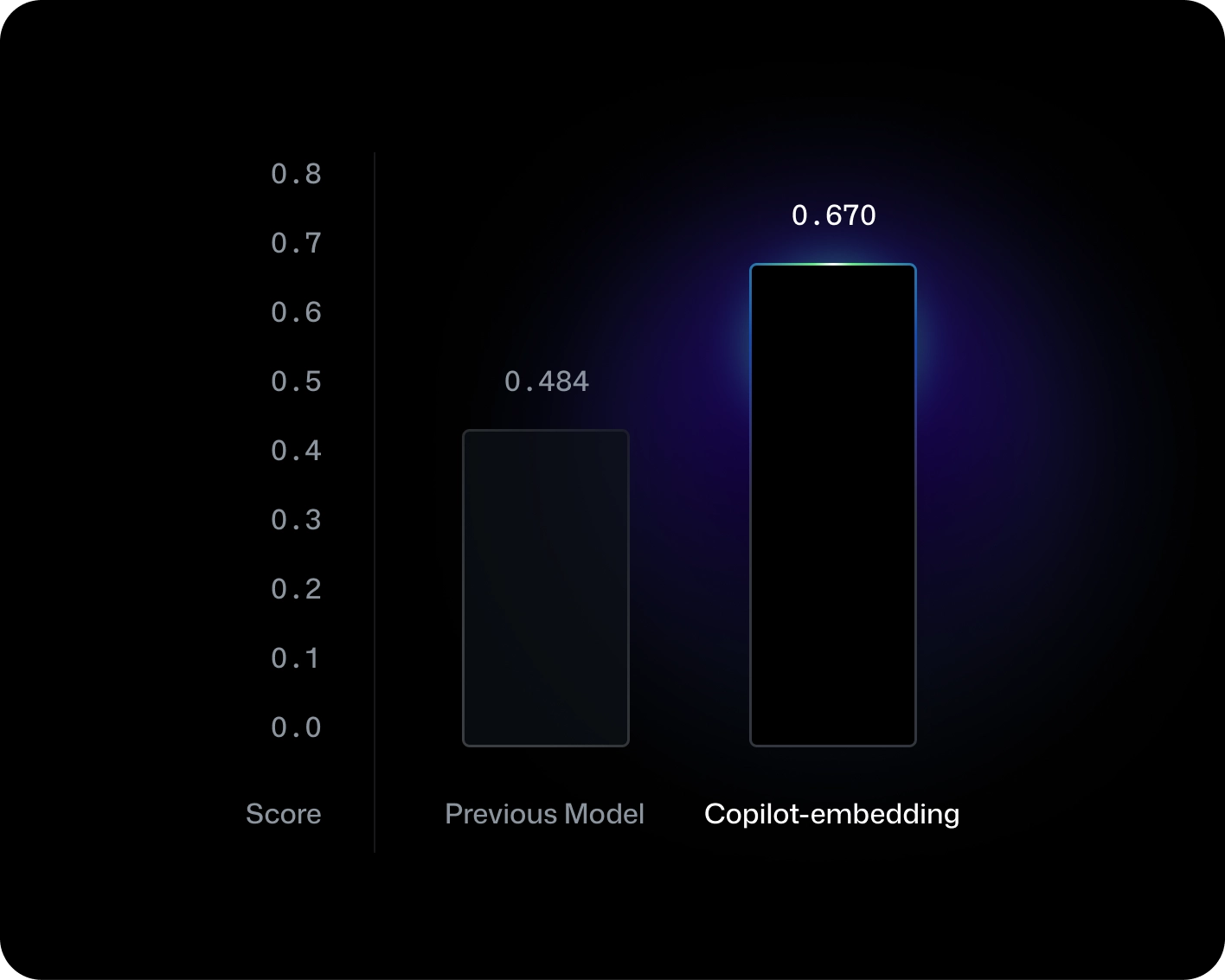
Since September 2025, Copilot delivers 2x higher throughput, 37.6% better retrieval, and an 8x smaller index size for faster, more accurate results.