RAG(RetrievalAugmented Generation) using LLama3 (original) (raw)
RAG(Retrieval-Augmented Generation) using LLama3
Last Updated : 14 Apr, 2026
Retrieval-Augmented Generation (RAG) combines the strengths of retrieval and generative models. It delivers detailed and accurate responses to user queries. When paired with Llama 3 an advanced language model renowned for its understanding and scalability we can make real world projects. In this article, we will build a project that uses these technologies.
Step-by-Step Guide to Build RAG using Llama3
Follow these steps to set up and run RAG system using Llama3 to answer queries via a Gradio interface. We will split the data into chunks and store it in ChromaDB:
**Step 1: Setup and Access API Key of Tavily
Tavily is a web search API used to fetch real-time information from the internet. In this project, it's used for web scraping to provide fresh and relevant content for the RAG system.
- Go to tavily and sign up.
- Copy the API key from dashboard.
- Add the API Key to the model. Python `
import os os.environ["TAVILY_API_KEY"] = "your-api-key-here"
`
**Step 2: Install the required tools and libraries
- **langchain and **langchain-community help connect Llama 3 to data.
- **chromadb stores text as searchable embeddings.
- **gradio creates a web interface to ask questions.
- **ollama runs Llama 3 locally. Python `
!pip install -q langchain langchain-community chromadb gradio ollama
`
**Output:
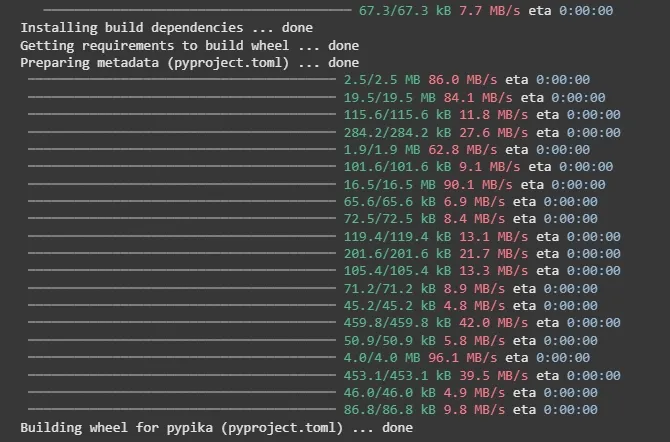
Output
**Step 3: Install Ollama
Open a terminal and enter the command and press enter:
curl -fsSL https://ollama.com/install.sh | sh

Installing Ollama
This downloads and installs Ollama .
**Step 4: Start Ollama and Download LLama3
In the terminal enter the command:
ollama serve &
This starts the Ollama server in the background.
In the terminal enter the command:
ollama pull llama3
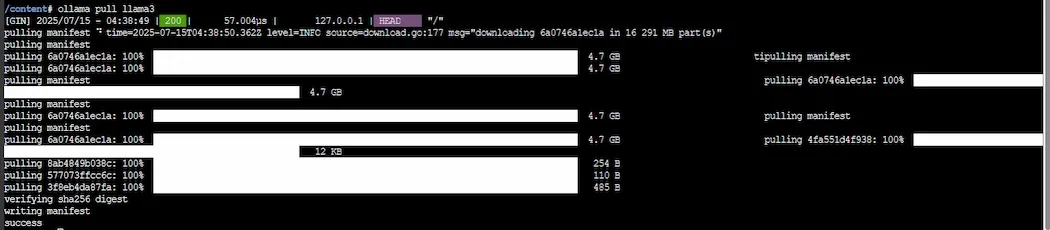
Llama3 model
This downloads the Llama3 model.
In the terminal enter the command:
ollama pull nomic-embed-text
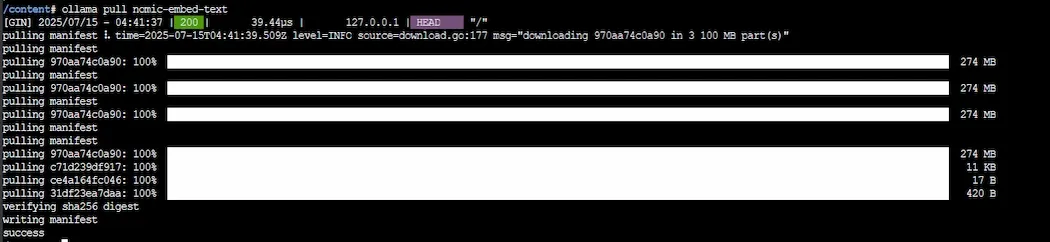
embedding model
This downloads embedding model for text search.
Step 5: Import Libraries
- **gradio: Used to create an interactive user interface for inputting questions and displaying answers.
- **ollama: Interface for interacting with the Llama 3 model for natural language tasks.
- **langchain.text_splitter: A langchain tool for splitting large text into manageable chunks.
- **langchain_community.vectorstores: Used for creating and handling vector databases, allowing us to store and retrieve text embeddings.
- **langchain_community.embeddings: Provides the embeddings model (here using Ollama’s model) for converting text into vector representations.
- **langchain_community.tools.tavily_search: A tool to search for web content based on a query likely pulling results from the web.
- **time: Used for pausing the program execution like for retry logic. Python `
import gradio as gr import ollama from langchain.text_splitter import RecursiveCharacterTextSplitter from langchain_community.vectorstores import Chroma from langchain_community.embeddings import OllamaEmbeddings from langchain_community.tools.tavily_search import TavilySearchResults import time
`
Step 6: Check Ollama Server Availability
- **check_ollama(): Checks whether Ollama's service is running by calling
ollama.list(). If it succeeds, it returnsTrue, otherwise, it catches the error and returnsFalse. - The
forloop attempts to check the availability of Ollama up to 3 times with a 10-second wait (time.sleep(10)) between attempts. - If Ollama isn't responsive after 3 retries, it raises an exception and prompts the user to restart the runtime. Python `
def check_ollama(): try: ollama.list() return True except Exception: return False
for _ in range(3): if check_ollama(): break print("Ollama not responding, retrying...") time.sleep(10)
if not check_ollama(): raise Exception( "Ollama server failed to start. Please restart the runtime and try again.")
`
Step 7: Create a Vector Store
**create_vectorstore(query): This function accepts search query and do:
- Uses
TavilySearchResultsto retrieve relevant web content (max 5 results). - Processes the search results, extracting the 'content' of each result.
- If no content is found, it returns an error message.
- The content is then split into chunks using RecursiveCharacterTextSplitter.
- OllamaEmbeddings is used to generate vector embeddings from the chunks.
- The embeddings are stored in a Chroma vector store. Python `
def create_vectorstore(query): try: search_tool = TavilySearchResults(max_results=5) search_results = search_tool.invoke(query)
    docs = [result['content']
            for result in search_results if 'content' in result]
    if not docs:
        return None, "No relevant web content found for the query."

    text_splitter = RecursiveCharacterTextSplitter(
        chunk_size=1000, chunk_overlap=200)
    splits = text_splitter.create_documents(docs)

    embeddings = OllamaEmbeddings(model="nomic-embed-text")
    vectorstore = Chroma.from_documents(
        documents=splits, embedding=embeddings)
    return vectorstore, None
except Exception as e:
    return None, f"Error during search or processing: {str(e)}"
`
Step 8: Interacting with Llama 3 Model
- **ollama_llm(question, context): This function sends a formatted prompt to the Llama 3 model including both the user’s question and the context (relevant content).
- The response from Llama 3 is returned as the answer to the question. If there’s an error, it returns an error message. Python `
def ollama_llm(question, context): formatted_prompt = f"Question: {question}\n\nContext: {context}" try: response = ollama.chat(model='llama3', messages=[ {'role': 'user', 'content': formatted_prompt}]) return response['message']['content'] except Exception as e: return f"Error calling Llama 3: {str(e)}"
`
Step 9: Retrieval-Augmented Generation (RAG) System
**rag_chain(question): This is the core function that implements the RAG system and it does:
- It first creates a vector store based on the query using
create_vectorstore(). - If no error occurs, it retrieves relevant documents from the vector store using
as_retriever(). - The retrieved documents are then formatted into a context string, which is passed to ollama_llm() to generate an answer.
- If there's an error in the vector store creation, it returns the error message. Python `
def rag_chain(question): vectorstore, error = create_vectorstore(question) if error: return error
retriever = vectorstore.as_retriever()
retrieved_docs = retriever.invoke(question)
formatted_context = "\n\n".join(doc.page_content for doc in retrieved_docs)

return ollama_llm(question, formatted_context)
`
Step 10: Gradio Interface Setup and Launching
- **get_answer(question): This function is called by the Gradio interface when a user inputs a question.
fn=get_answer: Specifies thatget_answer()is the function to call when a user submits a question.- **inputs: A textbox where the user can input their question.
- **outputs: Text that will be displayed in response to the user’s question.
- **title and **description provide a brief explanation of the app.
- **iface.launch(): Launches the Gradio interface and starts the app.
- **debug=True: Enables debugging mode for more detailed error messages during development. Python `
def get_answer(question): if not question: return "Please enter a question." return rag_chain(question)
iface = gr.Interface( fn=get_answer, inputs=gr.Textbox( lines=2, placeholder="Enter your question here (e.g., What is Python programming?)"), outputs="text", title="RAG with Llama 3: Ask About AI", description="Ask any question, and I'll search the web to answer it!" )
iface.launch(debug=True)
`
**Output:
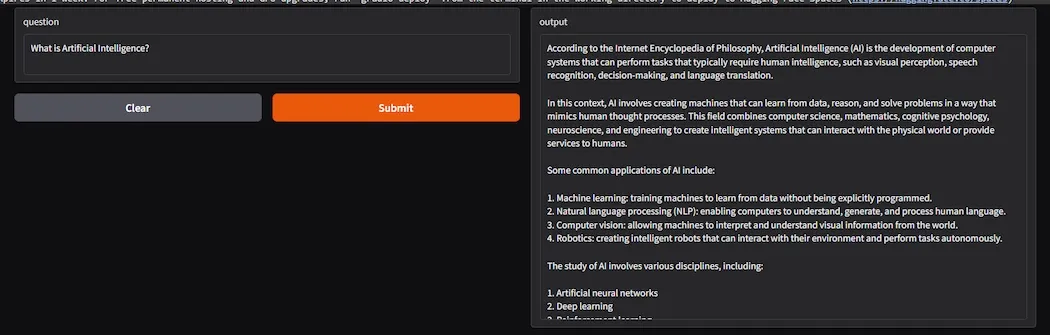
Output
**Advantages
- **Contextual Accuracy: Combines real-time data retrieval and generation, improving the relevance and accuracy of answers.
- **Reduced Hallucinations: Uses actual documents to ground responses, reducing the chance of incorrect information.
- **Scalability: Can handle large datasets efficiently by using vector stores and embeddings for retrieval.
- **Customization: Can be tailored for specific domains like healthcare, law, etc by using custom embeddings and vector databases.
- **Up-to-date Information: Can provide answers based on real-time web searches, offering current and accurate responses.
**Limitations of RAG
- **Reliance on Quality of Data: The accuracy of answers depends on the quality of the retrieved documents; poor search results can lead to inaccurate answers.
- **Latency: The retrieval process introduces delays making the system slower than purely generative models.
- **Chunking Issues: Splitting text into chunks can sometimes lose context, affecting the quality of generated answers.
- **Server Dependency: Relies on external services like Ollama, which may face downtime or resource constraints.
- **Handling Ambiguity: The system might struggle with ambiguous or unclear questions, leading to less accurate responses.
You can download source code from here.