Package Management Commands in Linux (original) (raw)
Last Updated : 7 Jan, 2026
Package management commands in Linux are used to install, update, upgrade, and remove software packages in a safe and organized way. These commands automatically handle dependencies, ensure software authenticity, and keep the system up to date. On Debian-based systems such as Ubuntu, APT (Advanced Package Tool) is the primary package management system.
- Install new software packages easily
- Update existing software and system components
- Remove unwanted applications cleanly
- Manage software repositories and dependencies
Below are the commonly used Package Management Commands in Linux.
1. apt
The apt command is a modern and user-friendly interface for managing packages on Debian-based Linux systems.
- Simplifies package installation and upgrades
- Combines features of apt-get and apt-cache
- Designed mainly for interactive use
**Syntax:
apt [options] command package_name
**Example:
sudo apt update
The apt update command is used to refresh the package database, ensuring you have the latest information from all configured repositories before installing or upgrading any packages. It does not install or upgrade any packages but prepares your system to do so.
2. apt-get
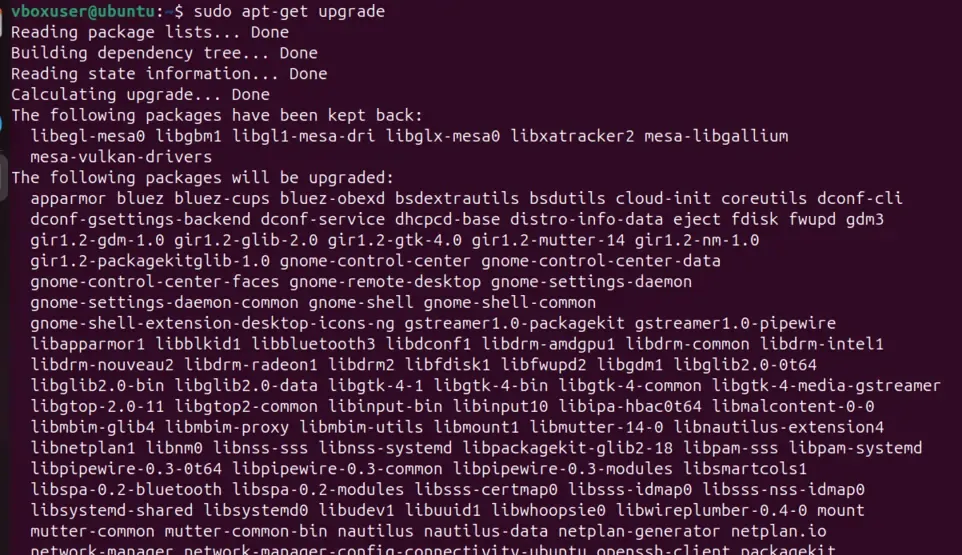
The apt-get command is a low-level package management tool used to handle packages from repositories.
- Installs, updates, and removes packages
- Widely used in scripts and automation
- Provides stable and predictable behavior
**Syntax:
apt-get [options] command package_name
**Example:
apt-get update
3. aptitude
The aptitude command is an advanced package manager with both command-line and text-based interface support.
- Provides interactive package management
- Offers better dependency resolution
- Useful for complex package installations
**Syntax:
aptitude [options] command package_name
**Example:
aptitude install vim
Common Package Management Operations
Common package management operations involve installing, updating, upgrading, removing, and cleaning software packages to keep a Linux system secure, up to date, and properly maintained.
1. Update package list:
Updates the local package index with the latest information from configured repositories. It does not install or upgrade packages but ensures the system knows about available updates.
apt update
2. Upgrade installed packages:
Upgrades all installed packages to their latest available versions based on the updated package list, without removing existing packages.
apt upgrade
3. Remove a package:
Uninstalls the specified package from the system while keeping its configuration files intact.
apt remove package_name
Clean unused packages:
Removes automatically installed packages that are no longer required, helping free up disk space and keep the system clean.
apt autoremove