Managing Security Settings And Access Controls In Jenkins (original) (raw)
Last Updated : 23 Jul, 2025
In IT Technologies, the companies are looking to bring the agileness in the software development workflow. To market and business their ideas into services to reach to their customers quicker and have competitive edge on the market. Because of this, Companies have shifting to DevOps culture to automated the workflow end to end completely with pipelines. Jenkins is the one of popular CI/CD pipeline tool and managing the security settings and acess controls are essential. In this article we will discuss on the effective management of jenkins security settings and access management controls.
**What Is Jenkins?
Jenkins is an open-source automation server used for continuous integration and continuous delivery (CI/CD) in software development. Jenkins stand as a cornerstone tool for continuous integration and continuous delivery (CI/CD). However with all this features there might be some security threats that can occur in the deployment process. Managing Jenkins security settings and controlling access controls is critical to safeguard you pipelines , repository and sensitive data for your deployement. Jenkins has project based security and access control for its repository to control who can use and edit a repo data. Jenkins also has user logging feature to track user action , configuration changes and system events. Audit log helps to review security-related activities.
**Need For Security In Jenkins
Security in Jenkins is important for safeguarding sensitive data, including source code, credentials, and deployment configurations , against any misuse. Protection against malware, cyberattack is maintained through access control, encryption, and regular security updates. Moreover Jenkins upholds the data confidentiality and privacy , securing personally identifiable information(PII) processed during build and deployment processes. By adding security , Jenkins security measures contribute and maintaining business continuity , minimizing disruption , and safeguarding against financial loss.
**Understanding Of Primary Terminologies
- **Authentication: It is the process of verification of the identity of the user or systems attempting to access jenkins and its features. **Jenkins ensures only the authorised entity get access to entry.
- **Permission: Settings to give access to users on the basis of what action users can perform on Jenkins such as jobs, nodes, and views.
- **Roles: These are set of permissions given to user **to control the access level of a particular user and its responsibility.
- **Project-based Authorization Strategy: A jenkins plugin that controls the user access level in individual projects using permission matrix.
**Managing Security Settings And Access Controls In Jenkins: A Step-By-Step Guide
**Step 1: Access Jenkins Dashboard
- Download and Start the jenkins server in your system. For Setuping Jenkins Server Refer this - Article
- Once the jenkins server is started, then access the jenkins server through your browser with your IP and port number in the following format:
http://{IP_Address}:8080
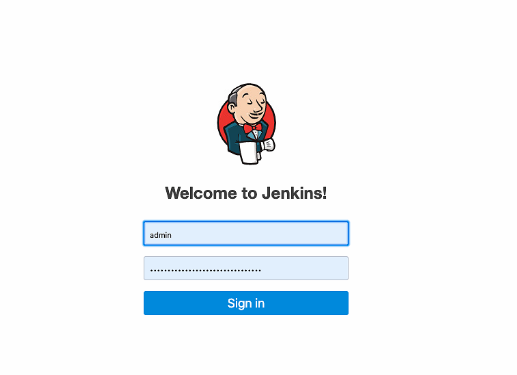
- Log in to your Jenkins instance with the administrative username and password.
**Step 2: Install Required Plugins
- Install all required Plugins in Jenkins if not already installed.
- One of the required Plugin is "Matrix Authorization Strategy Plugin" and "Role-based Authorization Strategy Plugin".
- You can install plugin from the Jenkins dashboard by navigating to "Manage Jenkins" -> "Manage Plugin" -> "Available" , then search for and install the required plugins.
**Step 3: Accessing Jenkins Security Settings
- Log into Jenkins as an administrator.
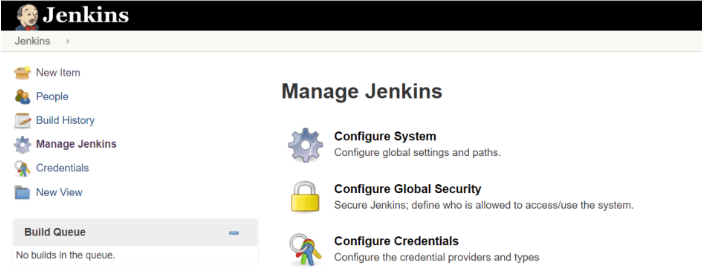
- Navigate to "Manage Jenkins" , and then to "Confgure Global Security".
**Step 4: Configure Your Authentication Model
- Choose an authentication method for the users.
- Configure the authentication provider as per you need or the organization need.

**Step 5: Setting Authorization
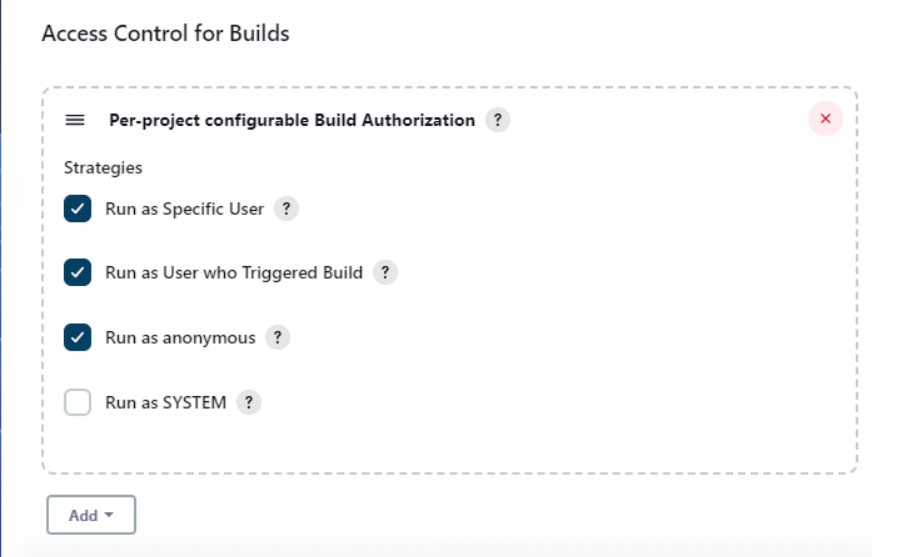
- Choose the type of authorization, that is matrix-based, role-based.
- Setup permission for different user roles from the authorization.
**Step 6: Securing Indivdual project
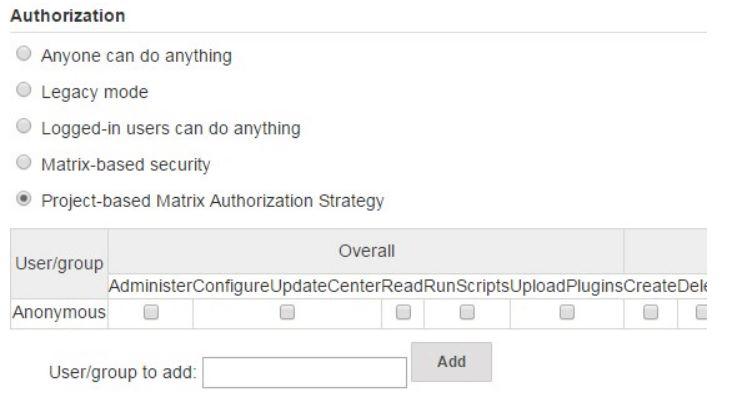
- Install and configure "Project based Matrix Authorization Strategy" plugin.
- Navigate to project based configuration.
- Enable and define project-based security.
- Define specific permission for different users or roles.
**Conclusion
Securing your Jenkins is very important for your CI/CD pipeline and sensitive data. By understanding and implementing security settings and access control, you can mitigate any potential risk and ensure the integrity and confidentiality of your Jenkins environment. Through this article we have taken you through the knowledge to navigate jenkins security settings and controlling access permissions in Jenkins.